Best AI Meeting Note-Takers in 2026 (Tested)
Free plans got tighter this past year, more AI note takers learned to record without a bot, and consent lawsuits started naming well-known vendors. A feature list no longer tells you much. Whether you keep a tool comes down to practical things: whether a bot joins your calls, what happens to your data, which languages work, what the free plan allows and what you pay once it runs out.
We compared nine tools on those points, and each entry says who it suits, when to look elsewhere and what it costs. Bluedot is listed first, and its drawbacks get the same space as everyone else’s.
TL;DR: the short list
- Bluedot keeps meetings private, sends no bot into the call by default and records video if you want it
- Fathom has the most generous free plan, with unlimited recording and transcription
- Fireflies suits teams that send meeting data to a CRM and want a searchable archive
- Otter gives you a live transcript at a low paid price
- Granola lets you type your own notes while the AI fills in the rest
- Fellow fits recurring team meetings built around an agenda
- Jamie processes data in the EU and deletes audio after transcription
- tl;dv is built for sharing call highlights as video clips
- Notta is a cheap way in for meetings held in many languages
How we evaluated these tools
- ✓ Does it capture the meeting without a bot, or let you choose?
- ✓ Is the data policy acceptable, including whether your meetings train the vendor’s models?
- ✓ How many languages does it cover, and does it detect them automatically?
- ✓ Can the free plan do real work, or does it run out after a few meetings?
- ✓ Does it connect to the CRM, notes and chat tools your team already uses?
- ✓ Is the price per seat reasonable, and is it clear what each plan includes?
The comparison draws on each vendor’s published pricing, feature documentation and privacy policy, on G2 and Trustpilot reviews where there were enough of them to mean something, on court filings for the lawsuits below, and on published surveys, which are cited where they appear. Prices and plan limits reflect each vendor’s own pages as of October 2026.
Summary table
| Tool | Best for | Bot by default | Free plan | Starting price | G2 rating |
|---|---|---|---|---|---|
| Bluedot | Privacy-first notes, optional video | No (optional bot available) | 5 recorded meetings | $14/user/mo (annual) | 4.8 (226 reviews) |
| Fathom | A free plan with no meeting cap | Yes (bot-free modes on Mac) | Unlimited recording, transcription and storage | $16/user/mo (annual) | 5.0 (7,064 reviews) |
| Fireflies | Integrations and a searchable archive | Yes (Chrome extension and desktop app available) | 400 minutes of team storage, 20 AI credits | $10/user/mo (annual) | 4.7 (753 reviews) |
| Otter | Live transcripts | Yes (mobile app records without one) | 300 minutes a month, 30 minutes per conversation | $8.33/user/mo (annual) | 4.4 (505 reviews) |
| Granola | Typing your own notes | No | Unlimited meetings, 30-day history | $14/user/mo | 4.6 (191 reviews) |
| Fellow | Agenda-driven meetings | Optional (desktop and mobile apps work without a bot) | 5 AI notes in total | $7/user/mo (annual) | 4.7 (2,440 reviews) |
| Jamie | EU data, no stored audio | No | 10 AI notes a month | $24/user/mo (Plus) | 4.7 (50 reviews) |
| tl;dv | Video clips | Yes (desktop app is audio only) | Unlimited video recording, AI notes for 10 meetings | $18/user/mo (annual) | 4.7 (530 reviews) |
| Notta | Low price, many languages | Yes (bot-free on Mac and Windows desktop) | 120 minutes a month | $8.17/user/mo (annual) | 4.4 (234 reviews) |
Bot or no bot: which capture method should you use?
Notetakers capture a meeting in one of two ways. Some send a bot that joins the call as a named participant. Others listen through your own device, so nothing appears in the participant list. Fathom, Fireflies, Otter, tl;dv and Notta use a bot by default and offer a bot-free route on some platforms. Bluedot, Granola, Jamie and Fellow’s desktop and mobile apps capture from your device.
A bot is fine for internal stand-ups where everyone expects it. It changes the room in client calls, interviews, performance reviews and anything sensitive, because people start performing for the recording. Going bot-free doesn’t remove the need to tell people they’re being recorded, though, and one of the lawsuits below turns on exactly that.
| Bot joins the call | Captures from your device | |
|---|---|---|
| Appears in the participant list | Yes, as a named participant | No |
| Host can remove it or keep it out | Yes | No |
| Works for in-person meetings | No | Yes, on a phone or laptop |
| Who has to announce the recording | You, though the bot’s name is visible | You, because nothing in the call shows it |
| Used by default here | Fathom, Fireflies, Otter, tl;dv, Notta | Bluedot, Granola, Jamie, Fellow’s desktop and mobile apps |
How do people react to AI note takers in meetings?
Two recent surveys put numbers on the consent problem, and both come with caveats. In a July 2026 Pollfish survey of 500 US workers commissioned by the law firm Kolmogorov Law, 33.4% said an AI notetaker or transcription bot had been present in their work meetings. Of the 167 who had been in such meetings, 34.7% were always asked for permission, 36.5% were asked sometimes, 25.1% were never asked and 3.6% found out afterward. The margin of error for that subgroup is ±7.6%. Across all 500 respondents, 18.8% said they had learned after the fact that a meeting or call was recorded or transcribed without their knowledge.
Fellow, one of the tools below and a seller of AI notetakers, surveyed IT, operations and business leaders in 2025 and did not publish the sample size. In that survey, 84% of respondents said they change what they say when a notetaker is present, and 47% of users said a notetaker had recorded or shared something they didn’t intend. Half of those not using a notetaker named privacy and security as the main reason.
What are the best AI meeting note-takers in 2026?
1. Bluedot: best for privacy-first notes without a bot
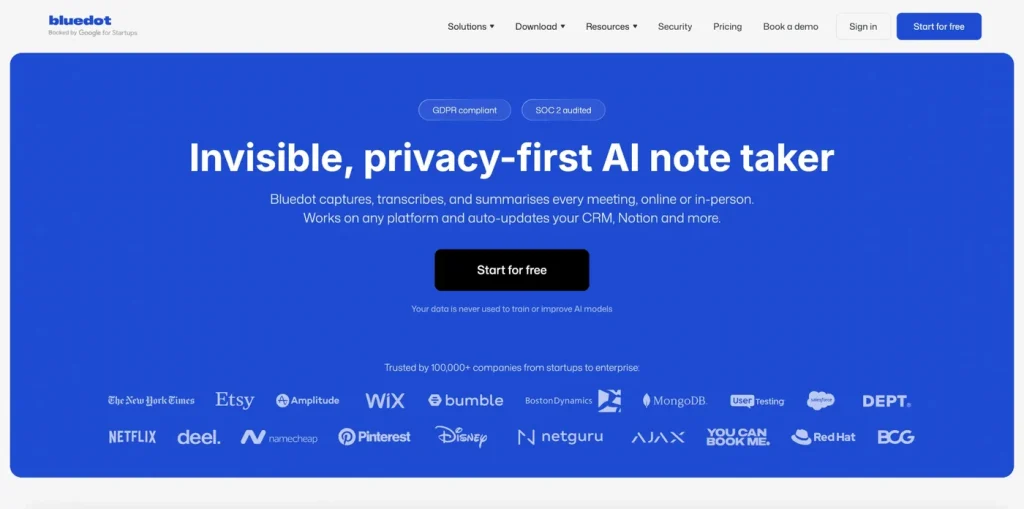
Bluedot is a privacy-first notetaker that records, transcribes and summarizes online and in-person meetings without sending a bot into your calls by default. It listens through a Chrome extension, macOS and Windows apps, iOS and Android apps and an Apple Watch app. On Zoom it runs through the desktop app, and on Google Meet and Microsoft Teams it records the browser tab through the extension. The mobile apps handle in-person meetings, offline recording and uploads, and the watch records on its own. An optional Meeting Bot is there if you want auto-join.
It’s GDPR-compliant and SOC 2 Type II audited, it’s based in Europe with data stored primarily on AWS in Frankfurt, and it never uses customer data to train AI models, so there’s no opt-out to remember. You can set custom retention and choose a data region. Where some privacy-focused tools keep to audio, Bluedot also records video on the Pro plan and above (720p and 1080p), so you can replay what was shown as well as said.
For the notes themselves, there are 50 templates, templates you can build yourself, and a choice of AI model (GPT-5 or Claude 4.6 Sonnet). AI Chat answers questions about one recording or a whole collection. In online meetings speakers are named automatically from calendar and meeting data, and in person they’re labeled Speaker 1 and Speaker 2. Transcription covers 100+ languages with auto-detect. Native integrations cover Salesforce and HubSpot (both with AI custom field mapping), Ashby, Slack and Notion, with Zapier, Make, webhooks and MCP for the rest.
The catch: the free plan covers only 5 recorded meetings. The $14 Basic plan is audio only with a 1-hour limit per recording, so video and longer meetings start at Pro. The integration list is shorter than Fireflies’, and phone calls can only be recorded from a desktop on speakerphone.
Try it on one real meeting. Bluedot’s free plan covers your first five recorded meetings, no bot required.
Best for: consultants, recruiters, founders and managers who record client or sensitive conversations and don’t want a notetaker visible in the call.
Look elsewhere if: you need unlimited free recording or the longest integration list on the market.
Pricing: Free (5 recorded meetings); Basic $14 per user per month billed annually ($18 monthly); Pro $20 ($25); Business $32 ($39); Enterprise on request.
2. Fathom: best free plan

Fathom’s free plan includes unlimited recording, transcription and storage, plus instant AI call summaries. It holds 5.0 on G2 across 7,064 reviews and 4.8 on Trustpilot across 286. Paid plans add advanced summaries with more than 15 meeting templates, AI-generated action items and a conversational assistant, and the Business plan adds custom summaries. CRM sync works with HubSpot, Salesforce and Close, and MCP connections bring meeting history into ChatGPT and Claude.
The catch: the bot joins calls by default. Bot-free modes arrived with version 3.0 on Mac, and bot-free Zoom video is in limited beta. Under its policy dated August 16, 2026, Fathom may train its own models on de-identified meeting content, with an opt-out that’s individual on Free and Premium and set by admins on Team and above. It supports fewer than 40 languages. Superhuman announced on September 14, 2026 that it’s acquiring Fathom, with no word yet on pricing or the free plan, and Trustpilot reviewers mention the notetaker skipping scheduled meetings.
Best for: students, sales reps and small teams who want to record every meeting without paying.
Look elsewhere if: you work in a language outside its list, you want no bot by default, or you don’t want meeting content used for training unless you opt out.
Pricing: Free; Premium $16 per user per month billed annually ($20 monthly); Team $15 ($19, two-user minimum); Business $25 ($34, two-user minimum).
3. Fireflies: best for integrations and a searchable archive
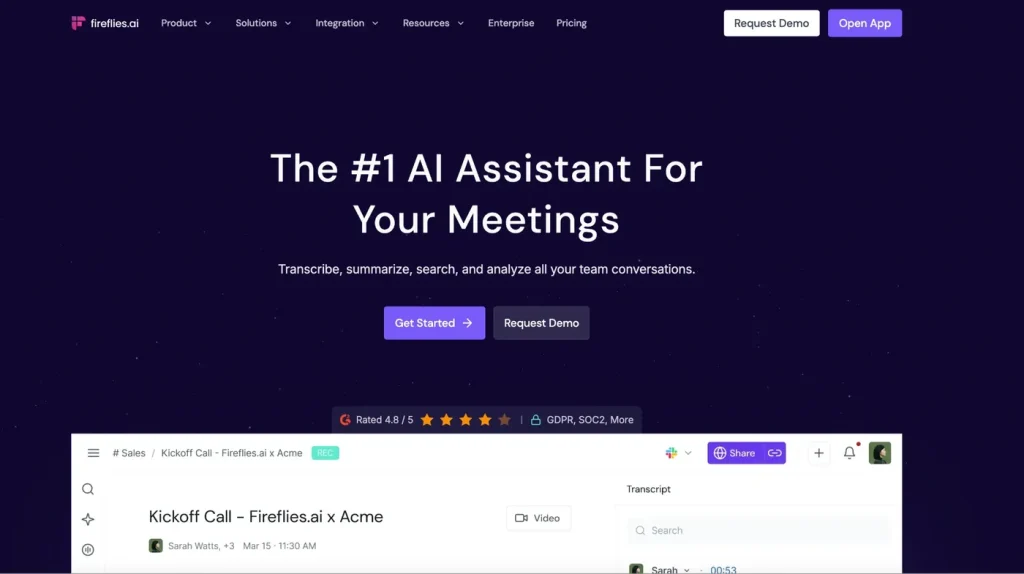
Fireflies is built around a searchable archive of past meetings. Transcription covers 100+ languages on every plan, and Pro, at $10 per seat per month, brings unlimited AI summaries and unlimited integrations (HubSpot, Salesforce, Zapier and many others). The AskFred assistant answers questions about past meetings, and a task manager and AI Skills handle follow-up. The company states that it never trains on your data. It holds 4.7 on G2 across 753 reviews and 4.5 on Trustpilot across 851.
The catch: the bot joins calls by default. A Chrome extension and a desktop app can capture audio without it, but some Trustpilot reviewers report the Mac app failing to record. The free plan gives limited AI summaries, 400 minutes of team storage and 20 AI credits, and video recording needs Pro. Fireflies is also the defendant in Cruz v. Fireflies.AI Corp., a proposed class action over its speaker recognition (details below). Reviewers frequently mention slow support and trial charges.
Best for: sales, customer success and operations teams that send meeting data to a CRM or task tool.
Look elsewhere if: a visible bot is a problem in your calls, you record people in Illinois, or you want fast, human support.
Pricing: Free; Pro $10 per user per month billed annually; Business $19; Enterprise $39.
4. Otter: best for live transcripts

Otter’s draw is the live transcript. Words appear as people speak, which suits lectures, interviews and in-person conversations, and its iOS and Android apps get most of the praise. Pro costs $8.33 per user per month billed annually ($16.99 monthly) and includes 15 custom AI meeting templates and 50 AI Chat queries a month. Business, at $19.99, raises that to 30 templates and 200 queries. Salesforce, HubSpot and Zapier integrations start at Pro. It holds 4.4 on G2 across 505 reviews and 4.3 on Trustpilot across 783.
The catch: the bot joins calls by default, paid transcription covers six languages that you select manually, data stays in the United States, and de-identified data is used for training by default with an opt-out. The free plan gives 300 minutes a month with a 30-minute cap per conversation. On Trustpilot, 27% of reviewers give one star, many of them over billing after a trial. Otter is also the lead defendant in a consolidated privacy case (details below).
Best for: students, journalists and anyone who wants a live transcript and mostly works in English, Spanish, French, German, Japanese or Chinese.
Look elsewhere if: you work in other languages, you record people who haven’t agreed to it, or you want no bot by default.
Pricing: Free (300 minutes a month); Pro $8.33 per user per month billed annually ($16.99 monthly); Business $19.99 ($30 monthly); Enterprise on request, with a HIPAA add-on.
5. Granola: best for typing your own notes
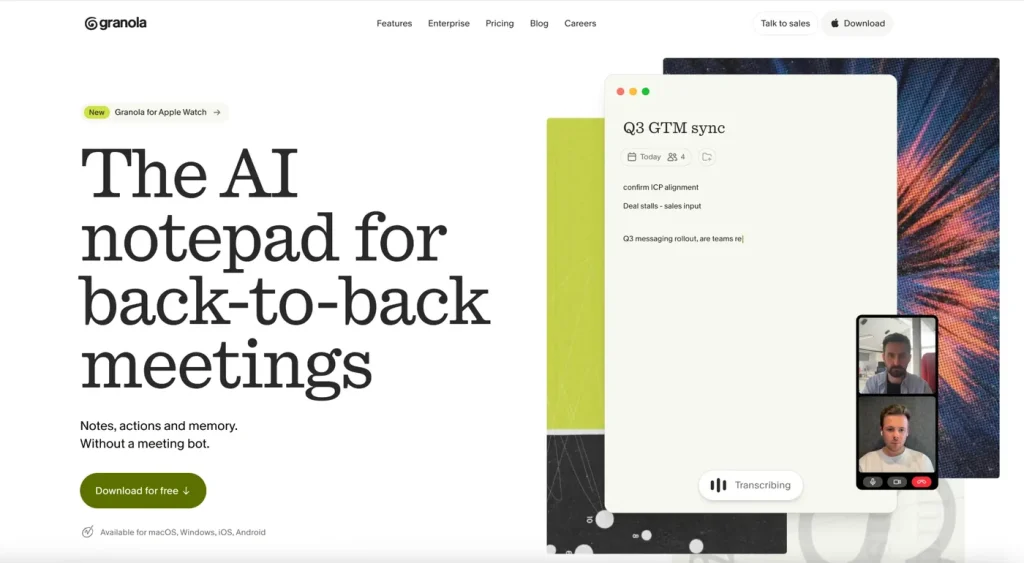
Granola works like a notepad. You jot a few lines while the meeting runs, and the AI expands them into structured notes using the transcript, so the result reads as your own notes. It uses your computer’s audio, so no bot joins, and it runs on macOS, Windows, iOS and Android, with an Apple Watch app on every plan. Audio is deleted after transcription and SOC 2 Type II certification is listed on all plans. It holds 4.6 on G2 across 191 reviews.
The catch: with the audio gone, there’s nothing to replay if a note looks wrong, and there’s no video. The free Basic plan keeps 30 days of history. Integrations are thin: Slack on Basic, Notion, Zapier, HubSpot, Attio and Affinity on Business, and Salesforce on Enterprise. You can opt out of model training per user on Basic and Business, while a workspace-wide opt-out is an Enterprise feature, and data is stored in the United States. G2 reviewers mention occasional speaker mix-ups and a mobile app that trails the desktop version. Granola is also the defendant in Chamberlain v. Granola, filed July 2026 (details below).
Best for: people who like taking their own notes and want AI to tidy them, and anyone who works mostly from a laptop.
Look elsewhere if: you want recordings to replay, EU data storage, or in-person and phone capture.
Pricing: Free (Basic, 30-day history); Business $14 per user per month; Enterprise $35.
6. Fellow: best for agenda-driven team meetings
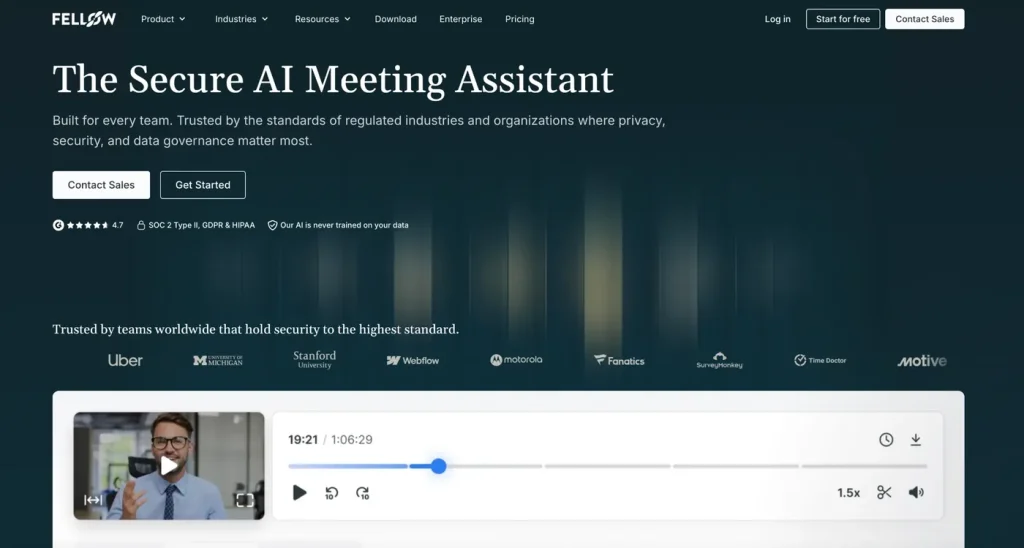
Fellow starts before the meeting. Agendas, shared notes, action-item tracking and 1:1 workflows sit next to the AI notetaker, so the agenda becomes the structure of the notes and follow-ups stay attached to the meeting. It can record with a bot, without one through its desktop and mobile apps, or in person, and transcription covers 100+ languages. Fellow lists SOC 2 Type II, GDPR and HIPAA and says it never trains AI models on your meetings. It holds 4.7 on G2 across 2,440 reviews.
The catch: the free plan is a trial of 5 AI notes in total, and the $7 Team plan includes only 10 AI notes and 10 recordings a month per user, so regular meeters need Business at $15. Transcript redaction, domain control and advanced recording permissions sit on Enterprise at $25, which starts at 10 users.
Best for: managers running weekly syncs, 1:1s and project check-ins.
Look elsewhere if: you mostly record one-off calls or interviews with no agenda.
Pricing: Free (5 AI notes); Team $7 per user per month billed annually; Business $15; Enterprise $25.
7. Jamie: best for EU data and no stored audio
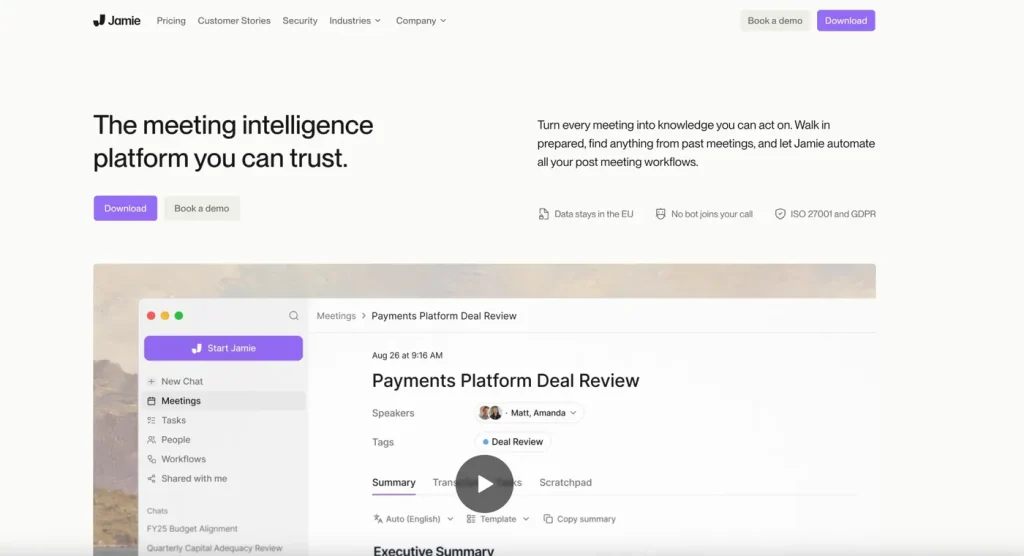
Jamie runs on your device without a meeting bot, keeps storage and processing within the EEA, Switzerland and the UK, and deletes audio once it has been transcribed. It lists ISO 27001 certification and DORA alignment, says customer data isn’t used to train models, covers 99+ languages and works across Zoom, Teams, Google Meet and in-person conversations on Mac, Windows, iPhone and Android. It holds 4.7 on G2 across 50 reviews and 4.8 on Trustpilot across 75.
The catch: the free plan stops at 10 AI notes a month with a 30-minute cap per meeting, Plus at $24 includes only 20 notes, and unlimited notes start at Pro at $46. There’s no browser extension or Apple Watch app, SOC 2 Type II is listed as pending, and because audio is deleted there’s no recording to check a note against.
Best for: teams that want nothing stored after transcription and EU-only processing.
Look elsewhere if: you want recordings or video to replay, or you need a long free plan.
Pricing: Free (10 AI notes a month); Plus $24 per user per month; Pro $46 billed annually; Team $37 per seat billed annually; Enterprise on request.
8. tl;dv: best for video clips
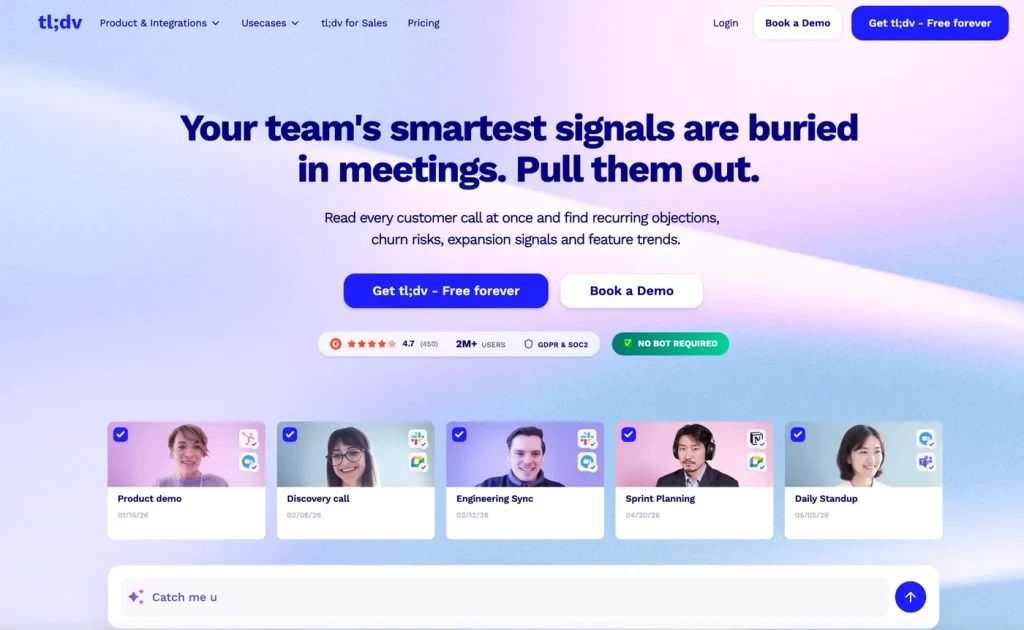
tl;dv is built around video. You can cut any moment into a clip, combine clips into a Reel and send it to someone who wasn’t there, and the free plan includes unlimited video recording and transcription. It supports 30+ languages with automatic detection, including mid-call switches, connects to Salesforce, HubSpot and Pipedrive, and holds 4.7 on G2 across 530 reviews.
The catch: free AI notes stop at 10 meetings and Ask AI at 10 queries, and recordings are deleted after about three months. The bot joins calls by default, and the desktop app that avoids it captures audio only. Reviewers describe the mobile apps as beta-quality. Pro costs $18 per seat per month billed annually ($29 monthly), and Business $29 ($39).
Best for: sales and product teams that share short video highlights of calls.
Look elsewhere if: you need AI notes on every meeting for free, longer retention, or a bot-free option that keeps video.
Pricing: Free; Pro $18 per user per month billed annually; Business $29; Enterprise on request.
9. Notta: best budget pick for many languages
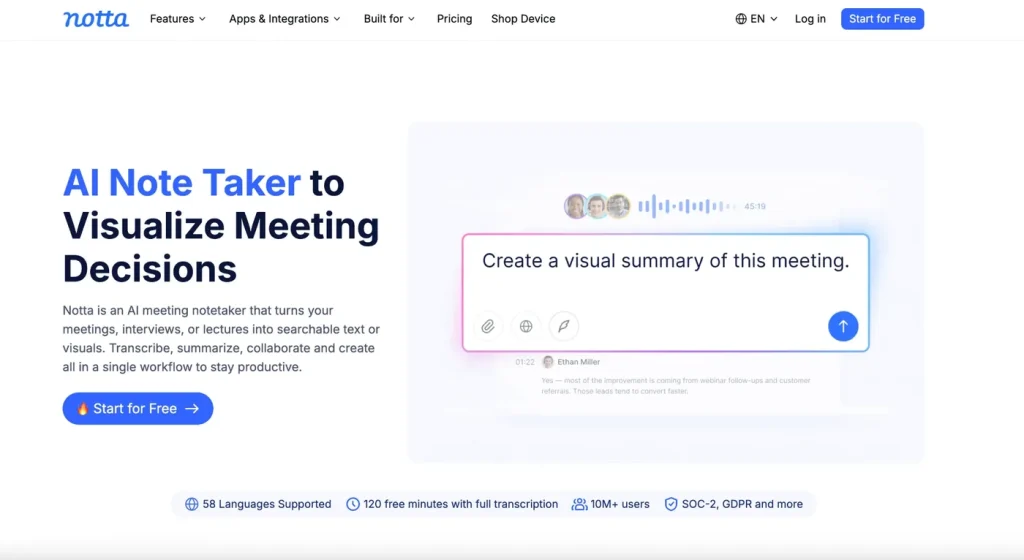
Notta is the cheapest paid option here after Fellow’s Team plan. Pro costs $8.17 per user per month billed annually and includes 1,800 transcription minutes a month and recordings up to five hours, and Business, at $16.67, makes transcription unlimited. It covers 58 languages and holds 4.4 on G2 across 234 reviews. It lists SOC 2 Type II and ISO 27001, and a bot-free recorder runs on Mac and Windows through the desktop app.
The catch: the free plan gives 120 minutes a month, 10 AI summaries and recordings of at most 3 minutes, so it only works as a demo. The online meeting recorder uses a bot, and some reviewers report billing surprises when a trial converts to a paid plan.
Best for: people on a tight budget who work across several languages.
Look elsewhere if: you want a free plan you can work on, or no bot on web meetings.
Pricing: Free (120 minutes a month); Pro $8.17 per user per month billed annually; Business $16.67; Enterprise on request, from 51 seats.
Is the free plan enough? What each one allows
“Free” means very different things from one tool to the next.
| Tool | What the free plan gives you | What runs out first |
|---|---|---|
| Fathom | Unlimited recording, transcription and storage, instant AI summaries | Advanced summaries and CRM sync are paid |
| Granola | Unlimited meetings | History older than 30 days disappears |
| tl;dv | Unlimited video recording and transcription | AI notes after 10 meetings, recordings after about three months |
| Otter | 300 minutes a month | Each conversation stops at 30 minutes |
| Fireflies | Transcription and limited summaries | 400 minutes of team storage and 20 AI credits |
| Jamie | 10 AI notes a month | Each meeting is capped at 30 minutes |
| Notta | 120 minutes a month | Recordings are capped at 3 minutes |
| Bluedot | 5 recorded meetings in total | The fifth meeting |
| Fellow | 5 AI notes in total | The fifth note |
Do AI note takers train on your meetings?
Most vendors now state their position on AI training, and the positions differ. Bluedot, Fireflies, Fellow and Jamie each say they don’t train on your meeting data. Fathom may train on de-identified meeting content unless you opt out, and so does Otter, which also keeps data in the United States. Granola lets you opt out of training per user, with a workspace-wide setting on Enterprise. Read the opt-out settings in your first week, because a default you never touched applies to every meeting you record.
Which AI note takers face consent lawsuits?
Three of the tools above are defendants in privacy cases. These are allegations, not findings.
- In re Otter.AI Privacy Litigation (N.D. Cal., No. 5:25-cv-06911) alleges that Otter’s bot recorded participants, and collected voiceprints, without consent. On August 13, 2026, the court let the federal wiretap, California privacy and Illinois biometric claims go forward and dismissed several others, mostly with permission to amend. The case is unresolved.
- Cruz v. Fireflies.AI Corp. (C.D. Ill., No. 3:25-cv-03399, filed December 2025) alleges that Fireflies’ speaker recognition creates voiceprints without the written notice and consent Illinois’ biometric privacy law requires. It is unresolved.
- Chamberlain v. Granola (N.D. Cal., No. 3:26-cv-07926, filed July 30, 2026) alleges that the lack of a visible bot leaves other participants unaware they’re being recorded. It is pending.
A lawsuit isn’t a verdict on a tool, but whichever one you pick, tell participants at the start of the call that you’re recording.
Which AI note taker should you choose?
- For client calls, interviews or anything sensitive, start with Bluedot, Jamie or Granola, since none of them sends a bot.
- The bot-free tool that records video you can replay is Bluedot, from the Pro plan. Fathom’s bot-free Zoom video is still in limited beta.
- On a zero budget, Fathom is the one to use, and its training opt-out is worth reading on day one.
- Meetings that feed a CRM point to Fireflies, as long as you decide how to tell participants about the bot.
- Otter’s live transcript is the most useful feature here for lectures and live interviews, provided your language is one of its six.
- Recurring team meetings suit Fellow, which ties the notes to the agenda.
- Teams that share call highlights as video should look at tl;dv.
- Notta is the cheap way in if you work in several languages, once you’re past its free plan.
FAQ
What is the best AI note taker in 2026?
It depends on your meetings. Bluedot is the strongest all-round pick for privacy-conscious teams, with no bot by default, optional video and apps for every device. Fathom is the best free option, Fireflies suits CRM-heavy teams, and Otter suits people who want a live transcript.
Which AI note taker doesn’t join as a bot?
Bluedot, Granola and Jamie capture audio from your device and send no bot. Fellow’s desktop and mobile apps work without a bot, Fathom has bot-free modes on Mac, and Notta has a bot-free recorder on Mac and Windows. Bluedot also offers an optional Meeting Bot if you want auto-join.
What is the best free AI note taker?
Fathom, for volume: unlimited recording, transcription and storage with instant AI summaries. Granola’s free plan keeps 30 days of history, tl;dv’s records video without a cap but limits AI notes to 10 meetings, and Bluedot’s covers 5 recorded meetings.
How much does an AI note taker cost?
Paid plans in this list start between $7 and $24 per user per month, mostly on annual billing: Fellow Team $7, Notta Pro $8.17, Otter Pro $8.33, Fireflies Pro $10, Bluedot Basic $14, Granola Business $14, Fathom Premium $16, tl;dv Pro $18 and Jamie Plus $24. Fathom’s free plan has no meeting cap, while the others limit minutes, meetings, notes or history, as the free-plan table shows.
Do AI note takers train on my meetings?
Some do by default. Fathom and Otter may use de-identified content for training unless you opt out, and Granola offers a per-user opt-out. Bluedot, Fireflies, Fellow and Jamie each state that they don’t train on your data.
How accurate are AI note takers?
We don’t rank tools on accuracy because we found no independent benchmark that covers them. The one peer-reviewed comparison we found, a 2023 JMIR Mental Health study of 65 recorded psychiatric interviews, measured median word error rates of 7.6% for human transcription, 8.9% for Amazon Transcribe, 14.8% for OpenAI’s Whisper and 19.2% for Zoom’s Otter-powered live transcription. That is older software in a clinical setting, so read it as a sign that accuracy varies with audio quality, accents and crosstalk. Test any tool on your own calls during its free plan.
Is it legal to record a meeting with an AI note taker?
It depends on where the participants are. According to a 2024 summary by the law firm Kilpatrick Townsend, 13 states, including California, Florida, Illinois, Pennsylvania and Washington, require every participant’s consent to record a conversation, while federal law, 37 states and DC require only one party’s. When a call crosses state lines, the stricter rule generally applies, so the safe habit is to tell everyone at the start. This isn’t legal advice, so check the rules that apply to you.
Can AI note takers record in-person meetings?
Yes, through a mobile app. Bluedot records in-person meetings on iOS, Android and Apple Watch, including offline, Otter’s mobile app is built for live in-person capture, and Jamie, Fellow and Granola also record on a phone.
Which AI note taker works with Microsoft Teams?
All nine handle Teams calls. Bluedot records Teams in the browser tab through its extension or through the desktop app, and Granola works only with the Teams desktop app, not the web client.
Which AI note taker supports the most languages?
Bluedot, Fireflies and Fellow each cover 100+ languages, Jamie covers 99+, and Notta covers 58. Fathom supports fewer than 40, tl;dv 30+, and Otter’s paid transcription covers six.