Best AI Study Tools for College Students

Almost every student now uses AI in some form. In the Higher Education Policy Institute’s 2026 survey of 1,054 UK undergraduates, conducted in December 2025, about 95% used AI in at least one way and 94% used generative AI to help with assessed work. The same survey found 12% had put AI-generated text directly into assessed work, up from 8% in 2025 and 3% in 2024. The tools differ a lot in what they do for your learning, and that is the difference worth caring about.
This guide sorts six AI study tools by the job they do: studying from your own materials, capturing lectures, making flashcards, practicing with a tutor, remembering what you learned and managing sources. For each one you’ll find what it does, what the free plan allows and where it falls short.
Key takeaways
- Gemini Notebook (formerly NotebookLM) answers questions from the readings and slides you upload, and has a free plan with 50 sources per notebook.
- Bluedot records lectures and study-group calls without a bot by default and writes a transcript and summary. The free plan covers 5 recorded meetings, and Basic caps each recording at 1 hour.
- Coconote turns a recorded lecture into flashcards, quizzes and study games, but its sign-up flow gets criticized in independent reviews.
- ChatGPT study mode asks guiding questions instead of handing over answers, and it can be switched off.
- Anki is free on desktop and Android, and schedules flashcard reviews with spaced repetition.
- Zotero is a free research tool for collecting and citing sources, with 300 MB of free file storage.
What we looked for
- ✓ Does it help you learn the material, or only produce text you still have to study?
- ✓ Is there a free plan or a student price that works on a student budget?
- ✓ Does it work from your own lectures, readings and notes?
- ✓ Does it fit inside your school’s rules on recording and AI use?
- ✓ Can it handle a real course load, including long lectures?
Prices and plan limits reflect each vendor’s own pages as of October 2026. Student offers change often, so check the current terms.
Summary table
| Tool | Best for | Free plan | Paid from |
|---|---|---|---|
| Gemini Notebook | Studying from your own readings and slides | Yes (100 notebooks, 50 sources each) | Google AI Pro; free for a year for eligible US college students |
| Bluedot | Lectures, study groups, office hours | 5 recorded meetings | $14/user/mo (annual) |
| Coconote | Flashcards and quizzes from lectures | 10 meetings a month | $8.33/mo (annual) |
| ChatGPT study mode | Tutor-style practice | Included at launch for signed-in Free users | Plus and Pro plans |
| Anki | Spaced repetition flashcards | Free on desktop and Android | iOS app is paid |
| Zotero | Research and citations | Yes (300 MB file storage) | $20/year for 2 GB |
What are the best AI study tools for college students?
1. Gemini Notebook: best for studying from your own materials

Gemini Notebook, which Google renamed from NotebookLM in September 2026, lets you put your readings, slides, lecture transcripts and notes into a notebook and ask questions grounded in those sources. That matters for studying, because the answers come from what your professor assigned and not from the whole internet. Google’s September update added or began rolling out interactive learning overviews that combine summaries with infographics, quizzes and flashcards, a mobile audio recorder for lectures that sits alongside your other sources, and short video overviews. Quiz formats such as short answer, multiple select and fill-in-the-blank are on the way.
The free Standard plan allows 100 notebooks per user and 50 sources per notebook. Pro raises that to 500 notebooks and 300 sources. Google is also offering U.S. college students one year of Google AI Pro free, listed at $19.99 a month afterward, with 4x higher usage limits in Gemini Notebook than non-AI subscribers. Eligible students in 140+ markets outside the U.S. get one year of Google AI Plus, which renews at $4.99 a month. Both offers need a payment method at sign-up, and the redeem-by date is December 31, 2026.
The catch: the notebook is only as good as what you put in it, and the answers can still be wrong, so check them against the source. Usage limits can change, and some features, such as real-time voice conversations, roll out to higher-priced Google plans first.
Best for: students who want to quiz themselves on the readings, slides and notes for a specific course.
Look elsewhere if: you don’t want your course material stored in a Google account, or you need more than 50 sources per notebook without paying.
Pricing: Free (Standard); paid tiers through Google AI plans; student offers described above.
2. Bluedot: best for lectures, study groups and office hours
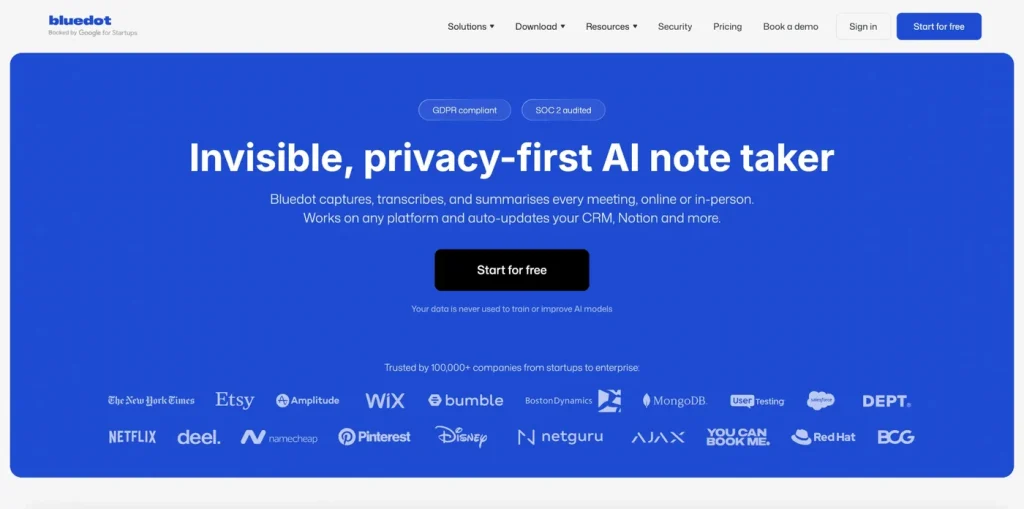
Bluedot is a privacy-first notetaker that records, transcribes and summarizes lectures, study-group calls and office hours without a bot joining by default. On a laptop, the Chrome extension captures Google Meet and Microsoft Teams in the browser tab, the desktop app handles Zoom, and the iOS, Android and Apple Watch apps cover in-person lectures. After a session you get a transcript and a summary from one of 50 templates, or one you write yourself, plus AI Chat that can answer questions about a single recording or across a collection. For a course, that means keeping a semester of lectures in one collection and asking, “What did the professor say about the midterm format?” Transcription covers 100+ languages, which helps international students and courses taught partly in another language.
Bluedot’s notes are a transcript and a summary, so pair them with a flashcard tool such as Anki or Coconote, or upload them to Gemini Notebook as a source. It is GDPR-compliant, SOC 2 Type II audited and never uses customer data to train AI models. It holds 4.8 on G2 across 226 reviews.
The catch: the free plan covers only 5 recorded meetings, which a full course load can use up in about a week. Basic ($14) is audio only with a 1-hour limit per recording, and many lectures run longer, so a 90-minute class needs Pro ($20) for unlimited length. Zoom classes are captured through the desktop app.
Best for: students who want one discreet recorder for lectures, study groups and office hours, in more than one language.
Look elsewhere if: you want flashcards and quizzes as the main output, or you need unlimited free recording.
Pricing: Free (5 recorded meetings); Basic $14 per user per month billed annually ($18 monthly); Pro $20 ($25); Business $32 ($39); Enterprise on request.
3. Coconote: best for flashcards and quizzes from lectures

Coconote turns a recorded lecture into organized notes, flashcards, quizzes and study games, and accepts uploaded PDFs, slides and links alongside live recording. It is aimed at the step after note-taking: turning what was said into practice material. Independent reviews single out its usefulness for students with ADHD or auditory processing differences.
The free plan covers 10 meetings a month, and the individual plan is $99.99 a year, about $8.33 a month. The catch is the sign-up flow. At least one independent teardown counted 19 onboarding steps before reaching the app, and multiple reviews describe a sequence of discount screens before the real subscription price appears. Read each screen before you enter payment details.
Best for: students who want a lecture converted into flashcards and practice questions without building them by hand.
Look elsewhere if: you dislike aggressive paywalls, or you want a general-purpose recorder for study groups and video calls.
Pricing: Free (10 meetings a month); individual plan from $8.33 a month billed annually ($99.99 a year).
4. ChatGPT study mode: best for tutor-style practice
OpenAI launched study mode in ChatGPT on July 29, 2025. Instead of giving the answer, it guides you with Socratic questions, hints and self-reflection prompts, breaks material into sections that show how topics connect, adjusts to your level, and includes quizzes and open-ended questions with feedback. At launch it was available to signed-in users on the Free, Plus, Pro and Team plans, and you can toggle it on and off, so you control when you want the answer directly. Claude for Education has a similar learning mode, available through school agreements. At launch, Northeastern University, the London School of Economics and Champlain College had campus-wide access.
It works best as a practice partner after you have attended class and read the material. Ask it to quiz you on a chapter, then explain the questions you missed.
The catch: OpenAI said study mode runs on custom system instructions, so its behavior can be inconsistent and it can make mistakes. Verify facts and calculations against your textbook.
Best for: working through problem sets and practicing explanations.
Look elsewhere if: you want answers drawn only from your own course materials. Gemini Notebook is built around your uploaded sources.
Pricing: Study mode launched on the Free plan; Plus and Pro are paid plans with higher limits.
5. Anki: best free spaced repetition

Anki is a flashcard program that schedules each card for when you’re most likely to forget it. After each review you rate how well you recalled the answer, and Anki sets the next date. It is open source, free on Windows, macOS and Linux, and free on Android through AnkiDroid. AnkiMobile for iOS is a paid app, and the free AnkiWeb service syncs your cards across devices.
Anki doesn’t write the cards for you, which is both its strength and its cost. Making your own cards is part of how you learn, but it takes time, which is why many students generate a first draft with another tool and edit it.
The catch: the learning curve is steeper than a one-tap flashcard app, and the iOS app costs money.
Best for: memorizing large amounts of material over a semester, such as anatomy, vocabulary or case names.
Look elsewhere if: you want cards generated automatically from a lecture without any editing.
Pricing: Free on desktop and Android; paid on iOS.
6. Zotero: best for research and citations
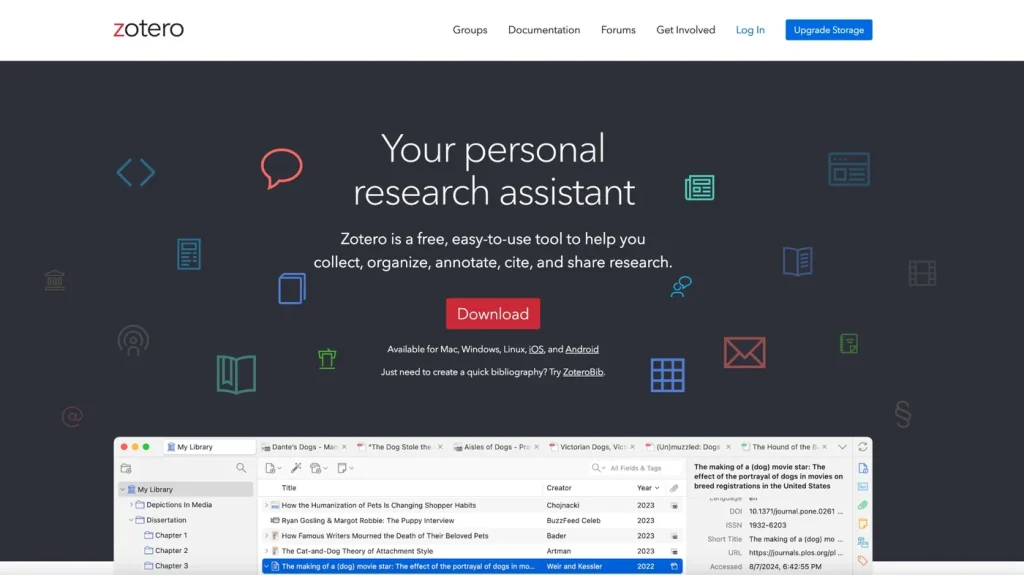
Zotero is a free tool for collecting, organizing, citing and sharing research. For a student writing a paper, it keeps readings in one place and builds citations and bibliographies from them. Zotero gives you 300 MB of free file storage for syncing attachments such as PDFs. Paid plans add 2 GB for $20 a year, 6 GB for $60 and unlimited storage for $120.
The catch: PDFs fill 300 MB faster than you would expect, and a heavy reader on a long research project may need a paid plan. Zotero manages sources and citations. It is not a tutor.
Best for: anyone writing papers that need citations.
Look elsewhere if: you want an AI that summarizes your readings. Pair Zotero with Gemini Notebook for that.
Pricing: Free with 300 MB storage; 2 GB at $20 a year; 6 GB at $60; unlimited at $120.
How to build a study stack
You don’t need all six. A simple setup covers most courses:
- Capture. Record the lecture with Bluedot, or add the recording straight to Gemini Notebook with its mobile recorder.
- Condense. Read the summary the same day and fix anything that looks wrong.
- Make practice material. Generate flashcards in Coconote or write them in Anki.
- Practice. Ask ChatGPT’s study mode, or Gemini Notebook, to quiz you on the week’s material.
- Cite. Keep papers and sources in Zotero from the start of a research project.
Use AI for studying without breaking your school’s rules
Policies on AI differ by course and by instructor, so read the syllabus. A few habits keep you on the right side of them and also help you learn more:
- Use AI to check your understanding, not to replace your work. Quizzing yourself, asking for an explanation of a concept or comparing your answer to the source is different from submitting AI-written text.
- Verify what it says. AI summaries and answers can contain errors, so check facts, quotes and numbers against the source.
- Keep your own notes in the loop. Your own summary of a lecture is part of studying, even if an AI wrote the first draft.
- Ask before recording. Some professors allow recording and some don’t, and some schools have specific policies. Confirm your instructor’s and institution’s rule before you record a class. In the U.S., 13 states, including California, Florida, Illinois, Pennsylvania and Washington, require every participant’s consent to record a conversation, according to a 2024 summary by the law firm Kilpatrick Townsend, and federal law and 37 states plus DC require only one party’s.
For a deeper comparison of recorders for lectures, see our guide to the best AI note takers for college students.
FAQ
What is the best AI study tool for college students?
It depends on the job. Gemini Notebook is a strong pick for studying from your own readings and slides, Bluedot for recording lectures and study groups, Coconote for turning a lecture into flashcards, ChatGPT study mode for practice questions, Anki for memorizing and Zotero for citations.
Is there a free AI study tool for students?
Yes, several. Gemini Notebook, Zotero, Anki on desktop and Android, and the free plans of Bluedot (5 recorded meetings) and Coconote (10 meetings a month) all cost nothing to start. ChatGPT study mode launched on the Free plan.
Can AI record and summarize my lectures?
Yes. Bluedot records lectures and study-group calls and writes a transcript and summary, and Gemini Notebook now has a mobile audio recorder that adds recordings to your notebook. Check your instructor’s recording policy first.
Does Bluedot record without a bot?
Yes. By default Bluedot captures audio from your device and no bot joins your class or call, and it offers an optional Meeting Bot if you want one.
Will my school treat AI study tools as cheating?
Not by default, but rules vary by school and course. Using AI to quiz yourself or explain a concept is common. Submitting AI-written text as your own is usually not allowed. Check the syllabus and ask your instructor if unsure.
How accurate are AI summaries of lectures?
They depend on the audio and on the tool, and they can contain mistakes. Read each summary against your own notes and the slides, and fix errors before you study from it.
How much do AI study tools cost?
Most have a free plan. Paid options in this guide start at about $8.33 a month for Coconote (billed annually) and $14 a month for Bluedot (billed annually). Google’s student offer gives eligible U.S. college students a year of Google AI Pro free if redeemed by December 31, 2026.