Best Bot-Free AI Note-Takers in 2026

Most AI note-takers announce themselves. A named participant joins the call, the host has to let it in, and everyone sees the recorder in the list. That is fine for a stand-up where everyone expects it. In a client call, an interview or a performance review, it changes how people talk.
Bot-free note-takers skip the participant and listen through your own device. This guide compares five that do, on how they capture audio, whether they keep a recording, where your data goes and what they cost. Bluedot is listed first, and its limits are listed alongside the others’.
TL;DR: the short list
- Bluedot records without a bot by default on browser, desktop, phone and Apple Watch, and keeps audio, with video from the Pro plan
- Granola lets you type your own notes while the AI fills in the rest, and it deletes the audio after transcription
- Jamie processes data in the EU and also deletes audio after transcription
- Fellow records without a bot through its desktop and mobile apps, and builds the notes around the meeting agenda
- Fathom has bot-free modes on Mac, though a bot joins calls by default and the free plan is the most generous of the five
How we evaluated these tools
- ✓ Does it capture the meeting without a bot by default, or only in a special mode?
- ✓ Does it keep a recording you can replay to check a note?
- ✓ Where is the data stored, and do your meetings train the vendor’s models?
- ✓ Does it cover in-person and phone conversations, not only video calls?
- ✓ Can the free plan do real work, and what does a paid seat cost?
The comparison draws on each vendor’s published pricing, feature documentation and privacy policy, and on G2 and Trustpilot reviews where there were enough of them to mean something. Prices and plan limits reflect each vendor’s own pages as of October 2026.
What does bot-free actually mean?
“Bot-free” covers a few different setups. Some tools record the audio your computer plays and picks up, so the meeting platform never sees them. Others use a browser extension that records the meeting tab, or a desktop or mobile app that listens to the room. A few tools join with a bot by default and offer a bot-free mode on some platforms, which is a different thing from being bot-free by default.
By default, Bluedot, Granola and Jamie send no bot, and Fellow’s desktop and mobile apps work without one. Fathom is the exception on this list: a bot joins calls unless you use its bot-free mode on Mac, and bot-free Zoom video is still in limited beta. We include it because the mode exists and its free plan is the best here, but it is bot-free only on some setups.
Summary table
| Tool | Bot-free by default | How it captures | Keeps a replayable recording | Free plan | Starting price |
|---|---|---|---|---|---|
| Bluedot | Yes (optional bot available) | Chrome extension, desktop apps, iOS and Android apps, Apple Watch | Yes, video from Pro | 5 recorded meetings | $14/user/mo (annual) |
| Granola | Yes | Computer audio, plus phone apps | No, audio deleted after transcription | Unlimited meetings, 30-day history | $14/user/mo |
| Jamie | Yes | On device (Mac, Windows, iPhone, Android) | No, audio deleted after transcription | 10 AI notes a month | $24/user/mo (Plus) |
| Fellow | Optional (desktop and mobile apps work without a bot) | Desktop and mobile apps, in person | Yes | 5 AI notes in total | $7/user/mo (annual) |
| Fathom | No (bot-free modes on Mac) | Mac app in bot-free mode | Yes | Unlimited recording, transcription and storage | $16/user/mo (annual) |
Does bot-free mean consent-free?
No tool removes the need to tell people they are being recorded, and going bot-free hands that job to you. When a bot joins, its name in the participant list does some of the announcing. When nothing appears, the only notice is the one you give.
The numbers show why it matters. In a July 2026 survey of 500 US workers commissioned by the law firm Kolmogorov Law, a third said an AI notetaker had been present in their work meetings, and of the 167 who had been in such meetings, 25.1% said they were never asked for permission. The survey’s margin of error for that subgroup is ±7.6%. One of the lawsuits against notetakers, Chamberlain v. Granola (N.D. Cal., filed July 30, 2026), alleges that the lack of a visible bot leaves other participants unaware they’re being recorded. That is an allegation, and the case is pending.
On the law, a 2024 summary by the firm Kilpatrick Townsend lists 13 states, including California, Florida, Illinois, Pennsylvania and Washington, that require every participant’s consent to record a conversation, while federal law and 37 states plus DC need only one party’s. When a call crosses state lines, the stricter rule generally applies. The safe habit is to say it at the start of the call. Bluedot can post a notice in the meeting chat, and workspace admins can require that notice. This isn’t legal advice.
What are the best bot-free AI note-takers in 2026?
1. Bluedot: best for private calls and in-person meetings
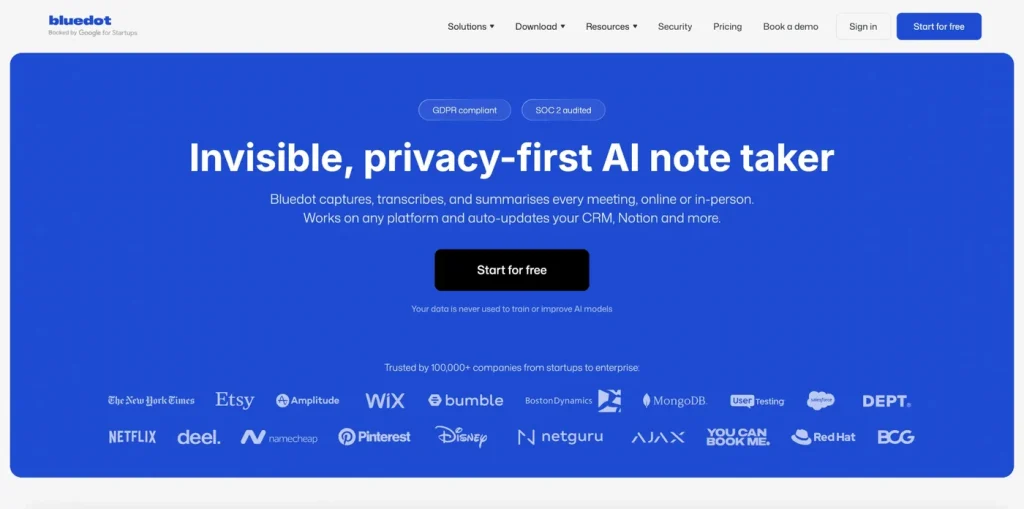
Bluedot listens through your own device instead of a visible participant. A Chrome extension records Google Meet and Microsoft Teams in the browser tab, the desktop apps handle Zoom, and iOS, Android and Apple Watch apps cover in-person meetings, offline recording and uploads. A “capture anything” toggle records any conversation, and the watch can record without a phone nearby. An optional Meeting Bot, which you can name and give an avatar, is there if you want auto-join.
Unlike Granola and Jamie, Bluedot keeps a recording. It records audio, with video at 720p or 1080p from the Pro plan, and every note links to the moment it came from, so you can check a doubtful line against what was said. It is GDPR-compliant and SOC 2 Type II audited, stores data primarily on AWS in Frankfurt with a choice of region, and never uses customer data to train AI models. Notes come from 50 templates or ones you build, with a choice of GPT-5 or Claude 4.6 Sonnet, and transcription covers 100+ languages with auto-detect. In online meetings speakers are named from calendar and meeting data, and in person they’re labeled Speaker 1 and Speaker 2. It holds 4.8 on G2 across 226 reviews.
The catch: the free plan covers only 5 recorded meetings, Basic ($14) is audio only with a 1-hour limit per recording, and video and longer meetings start at Pro. Zoom is captured through the desktop app, and phone calls can only be recorded from a desktop, by capturing the audio when the call is on speakerphone. The native integration list covers Salesforce, HubSpot, Ashby, Slack and Notion, with Zapier, Make, webhooks and MCP for the rest.
Try it on one real meeting. Bluedot’s free plan covers your first five recorded meetings, no bot required.
Best for: consultants, recruiters, founders and managers who record client or sensitive conversations, and who also meet in person.
Look elsewhere if: you need unlimited free recording, or you want to type your own notes during the call.
Pricing: Free (5 recorded meetings); Basic $14 per user per month billed annually ($18 monthly); Pro $20 ($25); Business $32 ($39); Enterprise on request.
2. Granola: best for typing your own notes
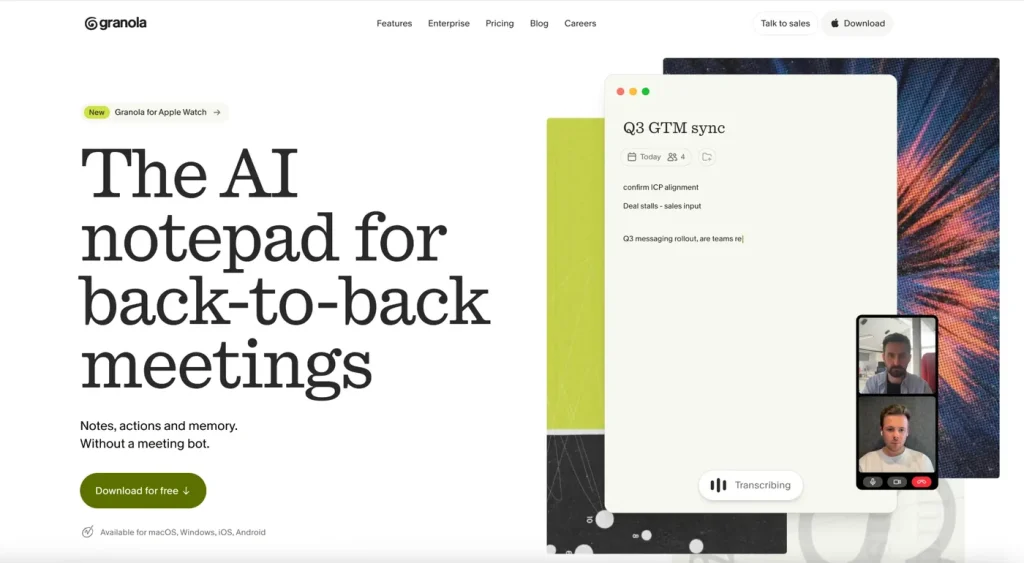
Granola works like a notepad. You jot a few lines while the meeting runs, and the AI expands them into structured notes using the transcript, so the result reads as your own notes. It uses your computer’s audio, so no bot joins, and it runs on macOS, Windows, iOS and Android, with an Apple Watch app on every plan. SOC 2 Type II certification is listed on all plans. It holds 4.6 on G2 across 191 reviews.
The catch: audio is deleted after transcription, so there’s nothing to replay if a note looks wrong, and there’s no video. The free Basic plan keeps 30 days of history. Integrations are thin: Slack on Basic, Notion, Zapier, HubSpot, Attio and Affinity on Business, and Salesforce on Enterprise. Data is stored in the United States, and a workspace-wide training opt-out is an Enterprise feature, while Basic and Business users opt out one by one. On Microsoft Teams it works only with the desktop app, not the web client. G2 reviewers mention occasional speaker mix-ups, and Granola is the defendant in the lawsuit described above.
Best for: people who like taking their own notes and want AI to tidy them.
Look elsewhere if: you want recordings to replay, EU data storage, or a free plan with long history.
Pricing: Free (Basic, 30-day history); Business $14 per user per month; Enterprise $35.
3. Jamie: best for EU data
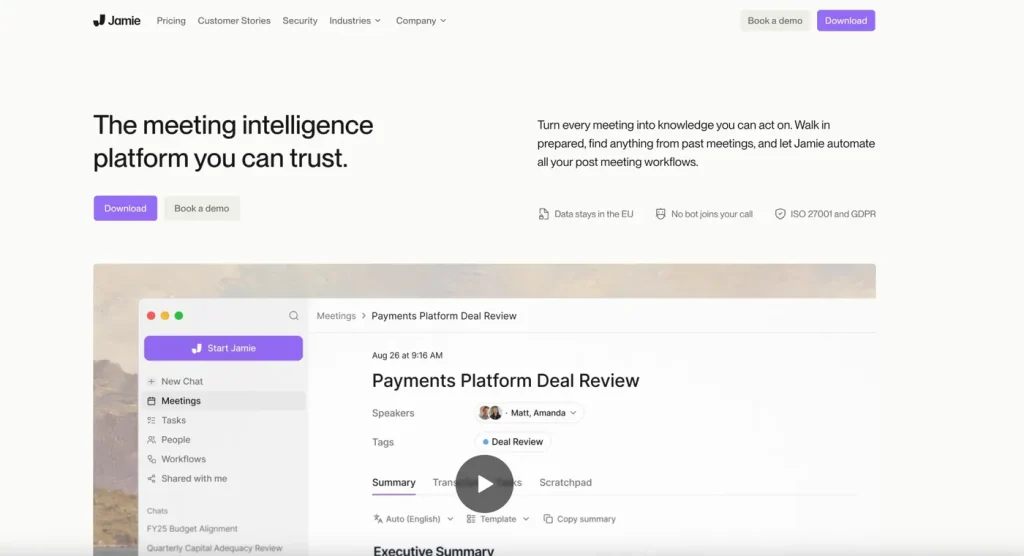
Jamie runs on your device without a meeting bot, keeps storage and processing within the EEA, Switzerland and the UK, and deletes audio once it has been transcribed. It lists ISO 27001 certification and DORA alignment, says customer data isn’t used to train models, covers 99+ languages and works across Zoom, Teams, Google Meet and in-person conversations on Mac, Windows, iPhone and Android. It holds 4.7 on G2 across 50 reviews and 4.8 on Trustpilot across 75.
The catch: the free plan stops at 10 AI notes a month with a 30-minute cap per meeting, Plus at $24 includes only 20 notes and a 2-hour limit, and unlimited notes start at Pro at $46 billed annually. There’s no browser extension or Apple Watch app, SOC 2 Type II is listed as pending, and because audio is deleted there’s no recording to check a note against. G2 has only 50 reviews, a small base.
Best for: teams that want nothing stored after transcription and EU-only processing.
Look elsewhere if: you want recordings or video to replay, or a long free plan.
Pricing: Free (10 AI notes a month); Plus $24 per user per month; Pro $46 billed annually; Team $37 per seat billed annually; Enterprise on request.
4. Fellow: best for agenda-driven meetings
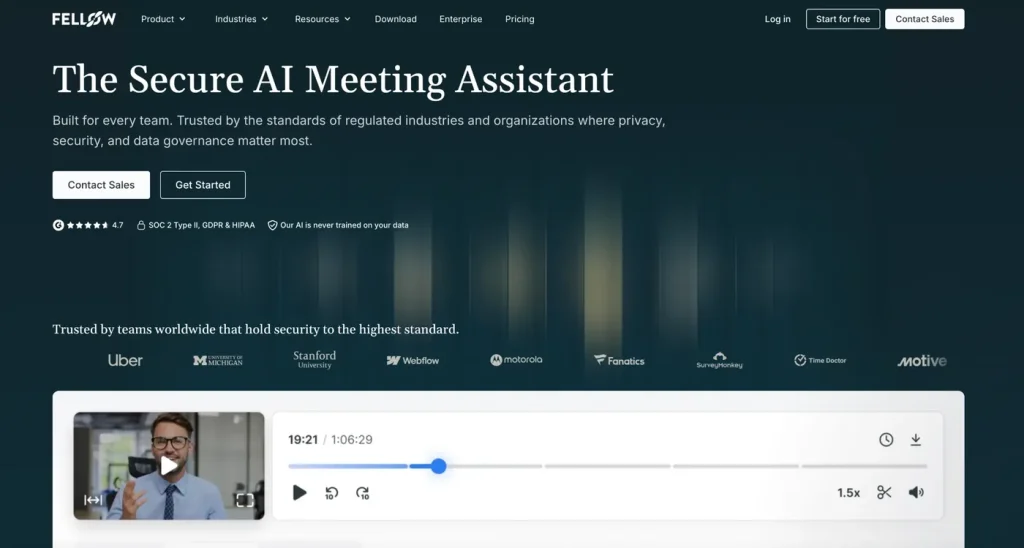
Fellow starts before the meeting. Agendas, shared notes, action-item tracking and 1:1 workflows sit next to the AI notetaker, so the agenda becomes the structure of the notes and follow-ups stay attached to the meeting. It can record with a bot, without one through its desktop and mobile apps, or in person, and transcription covers 100+ languages. Fellow lists SOC 2 Type II, GDPR and HIPAA and says it never trains AI models on your meetings. It holds 4.7 on G2 across 2,440 reviews.
The catch: the free plan is a trial of 5 AI notes in total, and the $7 Team plan includes only 10 AI notes and 10 recordings a month per user, so regular meeters need Business at $15. Transcript redaction, domain control and advanced recording permissions sit on Enterprise at $25, which starts at 10 users. A bot is one of its options, so confirm the setting before a sensitive call.
Best for: managers running weekly syncs, 1:1s and project check-ins.
Look elsewhere if: you mostly record one-off calls or interviews with no agenda.
Pricing: Free (5 AI notes); Team $7 per user per month billed annually; Business $15; Enterprise $25.
5. Fathom: best free plan, with a bot-free mode on Mac

Fathom’s free plan includes unlimited recording, transcription and storage, plus instant AI call summaries, and recordings can be replayed. It holds 5.0 on G2 across 7,064 reviews and 4.8 on Trustpilot across 286. Paid plans add advanced summaries with more than 15 meeting templates, AI-generated action items and a conversational assistant. CRM sync works with HubSpot, Salesforce and Close.
The catch: the bot joins calls by default. Bot-free modes arrived with version 3.0 on Mac, and bot-free Zoom video is in limited beta. Under its policy dated August 16, 2026, Fathom may train its own models on de-identified meeting content, with an opt-out that’s individual on Free and Premium and set by admins on Team and above. It supports fewer than 40 languages. Superhuman announced on September 14, 2026 that it’s acquiring Fathom, with no word yet on pricing or the free plan.
Best for: Mac users who want to record every meeting without paying and can switch to the bot-free mode.
Look elsewhere if: you need no bot by default on every platform, you work in a language outside its list, or you don’t want meeting content used for training unless you opt out.
Pricing: Free; Premium $16 per user per month billed annually ($20 monthly); Team $15 ($19, two-user minimum); Business $25 ($34, two-user minimum).
Which bot-free note-taker should you choose?
- If you want a recording you can replay without a bot, Bluedot is the one that keeps audio and, from Pro, video.
- If you prefer to type your own notes, Granola.
- If your data has to stay in Europe, Jamie processes it within the EEA, Switzerland and the UK, and Bluedot stores it primarily in Frankfurt with a choice of region.
- If your meetings follow an agenda, Fellow ties the notes to it.
- If you want the most generous free plan and use a Mac, Fathom, once you’ve switched on the bot-free mode.
- If a bot is fine, because everyone on the call expects it, the choice widens to most other notetakers.
FAQ
What is a bot-free AI note-taker?
It records and summarizes a meeting without a bot joining as a named participant. The tool captures audio through your device, a browser extension or an app instead, so nothing appears in the participant list.
What is the best bot-free AI note-taker?
Bluedot is the strongest all-round pick if you want no bot by default, a recording you can replay and apps for every device. Granola suits people who like typing their own notes, Jamie suits teams that want EU-only processing, and Fathom is the best free option on a Mac.
Do bot-free note-takers work on Zoom, Google Meet and Microsoft Teams?
Yes. Bluedot records Zoom through its desktop app and Meet and Teams in the browser tab through its Chrome extension. Jamie works across all three, and Granola works with Teams only through the desktop app, not the web client.
Can a bot-free note-taker record in-person meetings and phone calls?
Yes, through a mobile app. Bluedot records in-person meetings on iOS, Android and Apple Watch, including offline, and records phone calls from a desktop on speakerphone. Jamie, Fellow and Granola also record on a phone.
Do I still need to tell people I’m recording?
Yes. Some places, including California and Illinois, require every participant’s consent, and telling people at the start of the call is the safe habit. A bot-free tool shows nothing in the participant list, so the notice is up to you. Bluedot can post a notice in the meeting chat, and admins can require it.
Do bot-free note-takers keep recordings?
It depends on the tool. Bluedot and Fellow keep recordings, and Bluedot offers video from the Pro plan. Granola and Jamie delete the audio after transcription, so they keep only the transcript and notes.