The Best AI Meeting Summary Tools in 2026
A meeting summary is useful for about a day. After that it either gets lost or it becomes the record of what was decided, and the difference usually comes down to whether the summary was any good. A bad one repeats the small talk, skips the decision and lists “follow up” with no name next to it.
Most tools can now turn a recording into a summary. They differ in how much you can control the format, which languages they handle, whether you can question the recording afterward and what happens to your data. I compared seven tools on those points. For each one you’ll find who it suits, when to look elsewhere and what it costs. Bluedot is first on the list, and I’ve been as direct about its limits as about everyone else’s.
TL;DR: the short list
- Bluedot writes summaries from 50 templates and a choice of AI model, on any platform, with no bot by default
- Fathom gives you instant AI summaries on a free plan with no meeting cap
- Fireflies makes summaries searchable and routes them into other tools, with unlimited summaries from the $10 Pro plan
- Otter offers live transcripts and custom templates, with custom templates from Pro at $8.33
- Fellow writes summaries around the agenda, for recurring team meetings
- Zoom AI Companion summarizes inside Zoom and is included on eligible paid plans
- Microsoft Copilot summarizes inside Teams, if your organization already licenses it
How I picked
- ✓ Can you shape the summary with templates or custom instructions, or do you get one fixed format?
- ✓ Does it list action items and decisions, and can you ask follow-up questions about the recording?
- ✓ How many languages does it cover, and does it detect them automatically?
- ✓ Can the free plan produce summaries for real work, or does it cap you after a few meetings?
- ✓ Is the data handling acceptable, including whether your meetings train the vendor’s models?
- ✓ Does the summary reach the tools your team already uses?
Summary table
| Tool | Best for | Summary control | Free plan | Starting price (annual) |
|---|---|---|---|---|
| Bluedot | Any platform, no bot by default | 50 templates, custom templates on Pro, choice of AI model, AI Chat | 5 recorded meetings | $14/user/mo |
| Fathom | Free summaries | 15+ meeting templates on paid plans, custom summaries on Business | Unlimited recording, transcription and instant AI summaries | $16/user/mo |
| Fireflies | Searchable archive and integrations | AI Skills, AskFred, unlimited summaries from Pro | Limited AI summaries, 20 AI credits | $10/user/mo |
| Otter | Live transcripts, low price | 15 custom templates on Pro, 30 on Business | 300 minutes a month, 20 AI Chat queries | $8.33/user/mo |
| Fellow | Agenda-driven meetings | Summary follows the agenda | 5 AI notes in total | $7/user/mo |
| Zoom AI Companion | Teams that live in Zoom | Summaries in 34 languages, custom templates with paid ZoomMate | 3 hosted-meeting summaries a month | Included on eligible paid Zoom plans |
| Microsoft Copilot | Teams that live in Microsoft 365 | Recaps as text, audio or video | None | $18/user/mo add-on (promotional) |
Summaries from any platform
1. Bluedot: best for customizable summaries without a bot
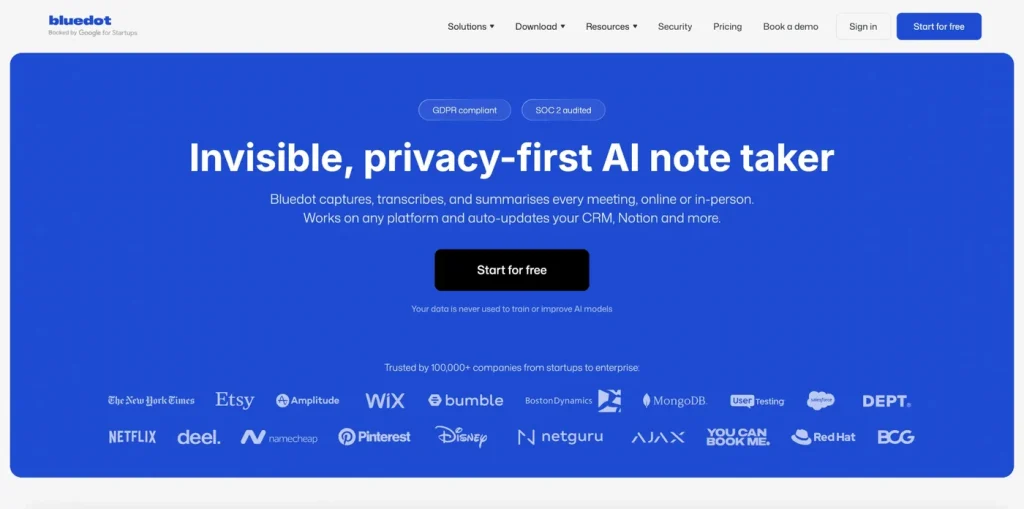
Bluedot records through a Chrome extension, macOS and Windows apps, iOS and Android apps and an Apple Watch app, so nothing joins your call by default. Zoom is captured through the desktop app, and Google Meet and Microsoft Teams in the browser tab. An optional Meeting Bot is there if you want auto-join. In-person meetings, offline recordings and uploads go through the mobile apps.
The summary is where it earns its place on this list. You get 50 templates for different meeting types, you can build custom templates on the Pro plan, and you can pick the AI model that writes the summary (GPT-5 or Claude 4.6 Sonnet). Afterward, AI Chat answers questions about a single recording or across a whole collection, which is handy for checking a summary against what was said. In online meetings speakers get named automatically from calendar and meeting data, so action items arrive with a name attached. In person, they are labeled Speaker 1 and Speaker 2. Speaker Insights adds talk ratio, longest monologue, words per minute and number of questions asked.
Summaries can go straight into your workflow. Native integrations cover Salesforce and HubSpot (both with AI custom field mapping), Ashby, Slack and Notion, and Zapier, Make, webhooks and MCP connections handle the rest. Transcription covers 100+ languages with auto-detect. Bluedot is GDPR-compliant and SOC 2 Type II audited, it’s based in Europe with data stored primarily on AWS in Frankfurt, and it never uses customer data to train AI models.
The catch: the free plan covers only 5 recorded meetings. The $14 Basic plan is audio only with a 1-hour limit per recording, so video and longer meetings start at Pro. The integration list is shorter than Fireflies’, and phone calls can only be recorded from a desktop on speakerphone.
Try it on one real meeting. Bluedot’s free plan covers your first five recorded meetings, no bot required.
Best for: consultants, recruiters, founders and managers who want a summary in a format they chose, from calls on any platform and from in-person meetings.
Look elsewhere if: you need unlimited free summaries or the longest integration list on the market.
Pricing: Free (5 recorded meetings); Basic $14 per user per month billed annually ($18 monthly); Pro $20 ($25); Business $32 ($39); Enterprise on request.
2. Fathom: best for free summaries

Fathom’s free plan is the easiest way to start. It includes unlimited recordings, transcription and storage, and instant AI call summaries. It holds 5.0 on G2 across 7,064 reviews and 4.8 on Trustpilot across 286. Paid plans add advanced summaries with more than 15 meeting templates, AI-generated action items and a conversational assistant, and the Business plan adds custom summaries. CRM field sync works with HubSpot, Salesforce and Close, and MCP connections bring meeting history into ChatGPT and Claude.
The catch: the bot joins calls by default. Bot-free modes arrived with version 3.0 on Mac, and bot-free Zoom video is in limited beta. Under its policy dated August 16, 2026, Fathom may train its own models on de-identified meeting content, with an opt-out that’s individual on Free and Premium and set by admins on Team and above. It supports fewer than 40 languages, and Superhuman announced on September 14, 2026 that it’s acquiring Fathom, with no word yet on pricing or the free plan.
Best for: students, sales reps and small teams who want a summary of every meeting without paying.
Look elsewhere if: you work in a language outside its list, you want no bot by default, or you don’t want meeting content used for training unless you opt out.
Pricing: Free; Premium $16 per user per month billed annually ($20 monthly); Team $15 ($19, two-user minimum); Business $25 ($34, two-user minimum).
3. Fireflies: best for searchable summaries and integrations
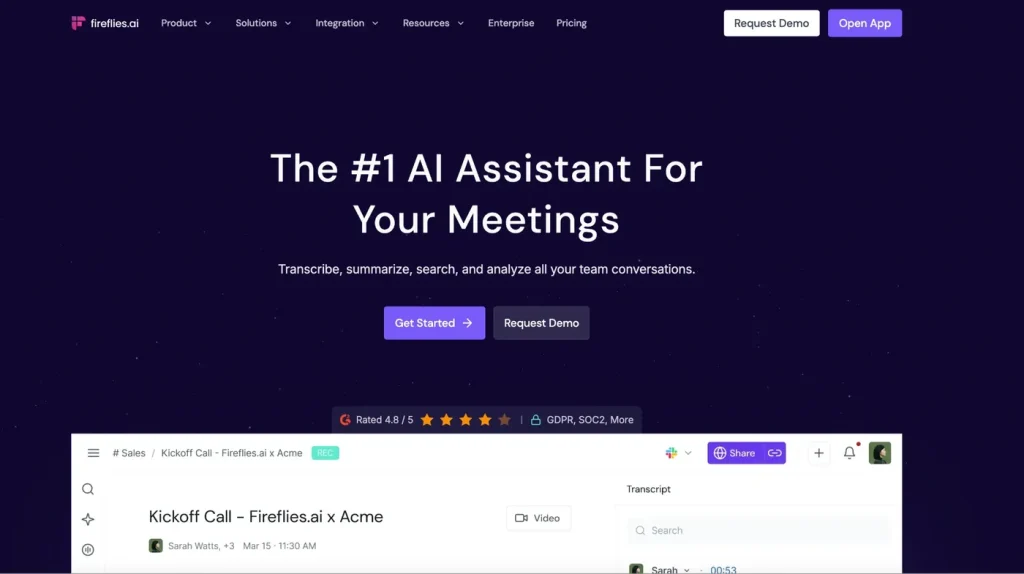
Fireflies treats summaries as entries in a database. Pro, at $10 per seat per month, gives unlimited AI summaries and unlimited integrations (HubSpot, Salesforce, Zapier and many others), plus AI Skills for repeated workflows. The AskFred assistant lets you query past meetings, and a task manager tracks what came out of them. Transcription covers 100+ languages on every plan, and the company states that it never trains on your data. On review sites it holds 4.7 on G2 across 753 reviews and 4.5 on Trustpilot across 851.
The catch: the bot joins calls by default. A Chrome extension and a desktop app can capture audio without it, but some Trustpilot reviewers report the Mac app failing to record. The free plan gives only limited AI summaries and 20 AI credits. Fireflies is also the defendant in Cruz v. Fireflies.AI Corp., a proposed class action filed in December 2025 under Illinois’ biometric privacy law over its speaker recognition. The allegations are unproven and the case is unresolved.
Best for: sales, customer success and operations teams that send meeting summaries to a CRM or task tool and want one searchable archive.
Look elsewhere if: a visible bot is a problem in your calls, you record people in Illinois, or you want fast, human support.
Pricing: Free; Pro $10 per user per month billed annually; Business $19; Enterprise $39.
4. Otter: best for live transcripts and a low price

Otter is still the tool people reach for when they want to read the transcript while the meeting is happening, and its iOS and Android apps get most of the praise. Pro costs $8.33 per user per month billed annually ($16.99 monthly) and includes 15 custom AI meeting templates and 50 AI Chat queries a month. Business, at $19.99, raises that to 30 templates and 200 queries. Salesforce, HubSpot and Zapier integrations start at Pro. It holds 4.4 on G2 across 505 reviews and 4.3 on Trustpilot across 783.
The catch: Otter carries the most legal baggage on this list. It’s the lead defendant in In re Otter.AI Privacy Litigation (N.D. Cal.), a consolidated class action alleging that its bot recorded participants, and collected voiceprints, without consent. On August 13, 2026, the court let the federal wiretap, California privacy and Illinois biometric claims go forward and dismissed several others, mostly with permission to amend. That’s not a finding that Otter broke the law, and the case is unresolved. The bot joins calls by default, paid transcription covers six languages that you select manually, data stays in the United States, and de-identified data is used for training by default with an opt-out. Free gives 300 minutes a month with a 30-minute cap per conversation.
Best for: students, journalists and anyone who wants a live transcript and mostly works in English, Spanish, French, German, Japanese or Chinese.
Look elsewhere if: you work in other languages, you record people who haven’t agreed to it, or you want no bot by default.
Pricing: Free (300 minutes a month); Pro $8.33 per user per month billed annually ($16.99 monthly); Business $19.99 ($30 monthly); Enterprise on request.
5. Fellow: best for agenda-driven summaries
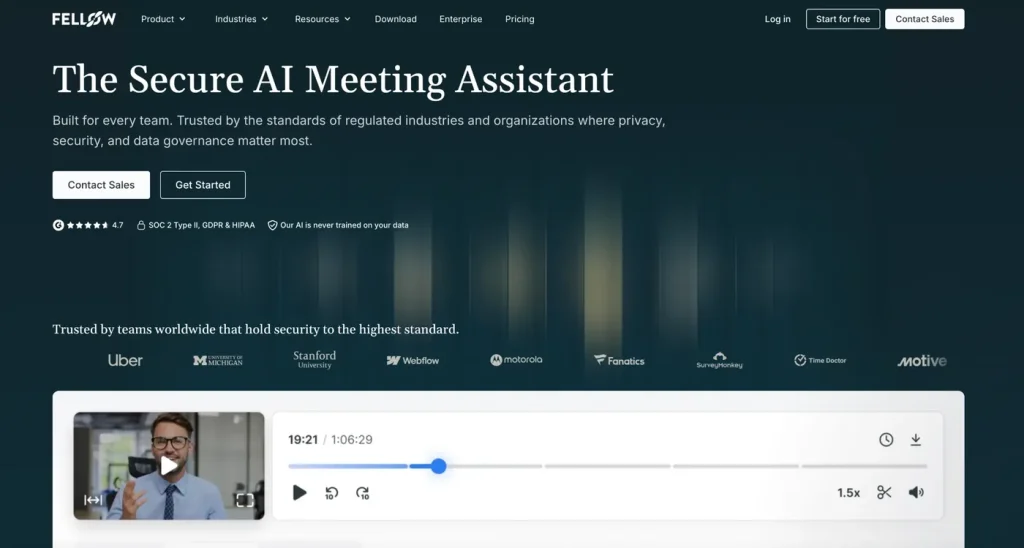
A summary is easier to write when you know what the meeting was meant to cover. Fellow builds its notes around the agenda, so the items you planned become the structure of the summary, and action items and follow-ups stay attached to the meeting. It can record with a bot, without one through its desktop and mobile apps, or in person, and transcription covers 100+ languages. Fellow lists SOC 2 Type II, GDPR and HIPAA and says it never trains AI models on your meetings. It holds 4.7 on G2 across 2,440 reviews.
The catch: the free plan is a trial of 5 AI notes in total, and the $7 Team plan includes only 10 AI notes and 10 recordings a month per user, so regular meeters need Business at $15. Transcript redaction, domain control and advanced recording permissions sit on Enterprise at $25, which starts at 10 users.
Best for: managers running weekly syncs, 1:1s and project check-ins who want agenda, summary and follow-up in one place.
Look elsewhere if: you mostly record one-off calls or interviews where no agenda exists.
Pricing: Free (5 AI notes); Team $7 per user per month billed annually; Business $15; Enterprise $25.
Summaries inside the platform you already use
6. Zoom AI Companion: best if your meetings live in Zoom
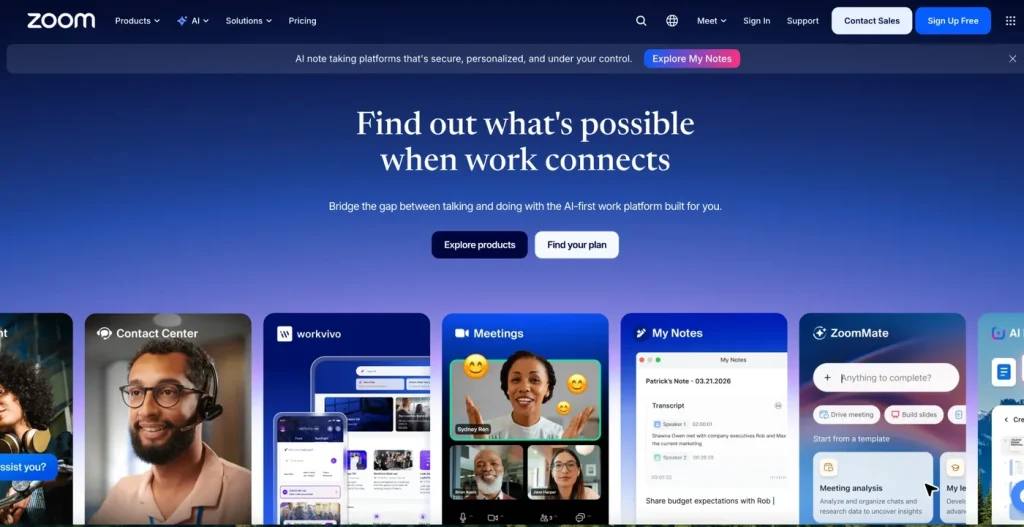
Zoom’s summaries come with eligible paid Zoom Workplace plans at no extra cost, so there’s nothing to install and no second invoice. Summaries and in-meeting questions cover 34 languages. Admins can restrict external sharing, auto-delete summaries, limit access by IP range and send summaries by email only, and a BAA is available for meeting summaries. Zoom says it doesn’t use customer audio, video, chat or other communications content to train AI models. Custom summary templates come with the paid ZoomMate add-on.
The catch: the free Basic plan covers summaries for only 3 hosted meetings a month, with meetings capped at 40 minutes. On Google Meet and Microsoft Teams, Zoom’s AI joins as a participant with Zoom branding, and it needs a licensed user, an admin setting and desktop app 6.4.5 or later. Zoom says the transcript used for a summary goes to a third-party model provider and may be processed in U.S. data centers. Sheldon v. Zoom Communications (N.D. Cal., filed September 25, 2026) alleges that AI Companion and ZoomMate create voiceprints of Illinois participants without the written consent Illinois law requires. The allegations are unproven and the case is at an early stage.
Best for: organizations on paid Zoom plans where nearly every call happens in Zoom.
Look elsewhere if: your calls also run on Meet, Teams or in person, you need more than 34 languages, or you want data kept in Europe.
Pricing: Included on eligible paid Zoom Workplace plans; the free Basic plan gives 3 hosted-meeting summaries a month; ZoomMate is a separate paid add-on.
7. Microsoft Copilot: best if your meetings live in Teams
Copilot in Teams summarizes the key discussion points, including who said what, suggests action items and answers questions during or after the meeting, all under your tenant’s permissions. Recaps come as text, audio or video. Microsoft says prompts, responses and Microsoft Graph data aren’t used to train foundation models, and EU traffic stays within the EU Data Boundary. It holds 4.4 on G2 across 442 reviews.
The catch: cost and settings. Microsoft 365 Copilot Business is priced at $18 per user per month on annual billing under a promotion running through December 31, 2026 (normally $21, or $25.20 monthly), and it needs a qualifying Microsoft 365 plan. Recaps need Teams Premium or a Copilot license. Questions after the meeting need a transcript, an organizer who turns Copilot off also turns off recording and transcription, and Copilot in the meeting doesn’t work in meetings hosted outside the participant’s organization.
Best for: companies that already run on Microsoft 365 and hold most meetings in Teams.
Look elsewhere if: you meet clients on Zoom or Google Meet, or your team isn’t licensed for Copilot.
Pricing: Copilot Business add-on $18 per user per month billed annually (promotional, normally $21); Business Standard with Copilot $23.50; Business Premium with Copilot $32.
How to check a summary before you trust it
Run one real meeting through your top two choices and compare the output with what you remember. A good summary names the decisions, puts an owner next to each action item and leaves out the small talk. Check the speaker labels, because a summary that credits the wrong person is worse than none. Then ask a question the summary didn’t answer and see whether the tool can find it in the recording.
How to choose
- If you meet across several platforms or in person and want control over the format, start with Bluedot.
- If budget is zero, use Fathom and read its training opt-out settings on day one.
- If summaries need to flow into a CRM or task tool, pick Fireflies and decide in advance how you’ll tell participants about the bot.
- If you mostly follow lectures or interviews live, Otter’s live transcript is the most useful feature on the list, as long as your language is one of its six.
- If your week is recurring team meetings, Fellow ties the summary to the agenda.
- If everyone is already on paid Zoom plans or Copilot licenses, try the built-in option first and move only if the limits above get in the way.
Whichever you choose, tell participants you’re recording. Consent rules differ by country and state, and the lawsuits above are about exactly that.
FAQ
What is the best AI meeting summary tool in 2026?
It depends on where your meetings happen. Bluedot is the strongest all-round pick for customizable summaries across Zoom, Meet, Teams and in-person meetings, with no bot by default. Fathom is the best free option, Fireflies suits CRM-heavy teams, and Zoom and Copilot make sense if you already pay for them.
Which AI meeting summary tool is free?
Fathom’s free plan includes unlimited recording, transcription and instant AI summaries. Otter’s free plan gives 300 minutes a month, Fireflies’ gives limited AI summaries and 20 AI credits, Zoom’s gives summaries for 3 hosted meetings a month, and Bluedot’s covers 5 recorded meetings.
Can I control the format of an AI meeting summary?
Yes, with most of these tools. Bluedot offers 50 templates and custom templates on Pro, Otter allows 15 custom templates on Pro and 30 on Business, Fathom has more than 15 templates on paid plans, and Zoom’s custom templates come with the paid ZoomMate add-on.
Which tools don’t send a bot into the call?
Bluedot sends none by default, with an optional Meeting Bot. Fellow’s desktop and mobile apps work without a bot, Fathom has bot-free modes on Mac, and Zoom and Copilot are built into their own platforms.
Do AI meeting summary tools train on my meetings?
Fathom may train on de-identified content unless you opt out, and Otter does so by default with an opt-out. Zoom and Microsoft say they don’t train on customer content, and Bluedot, Fireflies and Fellow each state they don’t train on your data.