Best Meeting Recording Software in 2026
Every major video platform can record a meeting, and each one attaches conditions. Zoom’s free plan records only to your computer. Google Meet’s free plan does not record at all. Teams needs a recording license for both the organizer and the person who presses record. If you only ever record your own calls on a paid plan, the built-in recorder may be enough. If you record across platforms, on a phone or in a room, or want a recording you can search, clip and share, you need separate software.
This guide covers what the three big platforms record on their own, then compares seven dedicated tools on the things that decide whether a recording is useful: whether you get video or only audio, whether a bot joins, how long recordings are kept, what the free plan allows, what consent controls exist, and what a team of ten pays. Bluedot is listed first, and its limits sit next to the others’.
Key takeaways
- Bluedot records video and audio from your own device, with no bot by default, and keeps the recording replayable alongside a transcript and summary. Video starts on the Pro plan, and the free plan covers 5 recorded meetings.
- Fathom has the most generous free plan, with unlimited recording, transcription and storage. A bot joins calls by default.
- tl;dv records video for free without a cap on recordings, but deletes free recordings after about three months and caps AI notes at 10 meetings.
- Fireflies has the longest integration list and records video from the Pro plan at $10 per seat.
- Grain is built around clips and coaching for sales and customer teams, with a free plan of 20 meetings and no mobile app.
- Avoma records video automatically from its $19 plan, and charges extra for conversation intelligence.
- Otter shows a live transcript during the meeting, but its free plan ends each conversation at 30 minutes.
- Zoom, Google Meet and Microsoft Teams record their own meetings only, and each limits who can record.
What we looked for
- ✓ Does it record video, audio or only a transcript, and can you replay the recording?
- ✓ Does a bot join the call, or does the recorder run on your own device?
- ✓ Which platforms, phone calls and in-person meetings does it cover?
- ✓ How long are recordings kept, and what limits apply per recording?
- ✓ What consent and notice controls does it offer?
- ✓ What does a team of ten pay for the plan that includes video?
Prices and plan limits reflect each vendor’s own pages as of November 2026.
What Zoom, Google Meet and Teams record on their own
Before you buy anything, check what your platform already does. The rules differ more than most teams expect.
| Platform | Who can record | Where it is saved | Worth knowing |
|---|---|---|---|
| Zoom | Free accounts record locally on desktop. Cloud recording needs a paid license held by the host | Your computer, or Zoom’s cloud (10 GB per license on Pro and Business) | Participants can only record locally, and only if the host allows it |
| Google Meet | Business Standard, Business Plus, Enterprise and Education Plus editions, plus Workspace Individual and Google One 2 TB plans | The organizer’s Google Drive | Computer or Android only. Breakout rooms and participants from outside the host’s organization can’t record. Recording stops after 8 hours |
| Microsoft Teams | An IT admin must give a recording license to both the organizer and the recorder | The organizer’s OneDrive, or SharePoint for channel meetings | Guests can’t record meetings. Everyone in the meeting is told when recording starts |
Each platform records its own meetings. A call on a different platform, a phone call or an in-person conversation needs another tool, and each platform’s recording lives in its own storage with its own sharing rules.
Summary table
| Tool | Video | Bot by default | Phone and in-person | Free plan | Starting price |
|---|---|---|---|---|---|
| Bluedot | Yes, Pro and up | No (optional bot) | Phone calls from desktop on speaker; in person via mobile apps and Apple Watch | 5 recorded meetings | $14/user/mo (annual) |
| Fathom | Yes | Yes (bot-free modes on Mac) | No | Unlimited recording and transcription | $16/user/mo (annual) |
| tl;dv | Yes | Yes (desktop app is audio only) | In person via mobile apps | Unlimited recording; AI notes for 10 meetings | $18/user/mo (annual) |
| Fireflies | Yes, Pro and up | Yes (extension and desktop app available) | No | Transcription; 2-hour recording limit | $10/user/mo (annual) |
| Grain | Yes | Yes (desktop app on Mac and Windows) | In person via desktop app; no mobile app | 20 meetings, 45 minutes each | $15/user/mo (annual) |
| Avoma | Yes | Yes | No | None, 14-day trial | $19/user/mo (annual) |
| Otter | Not stated | Yes (desktop and browser capture available) | No | 300 minutes a month, 30 minutes per conversation | $8.33/user/mo (annual) |
Which are the best meeting recording tools?
1. Bluedot: best for recording video and audio without a bot
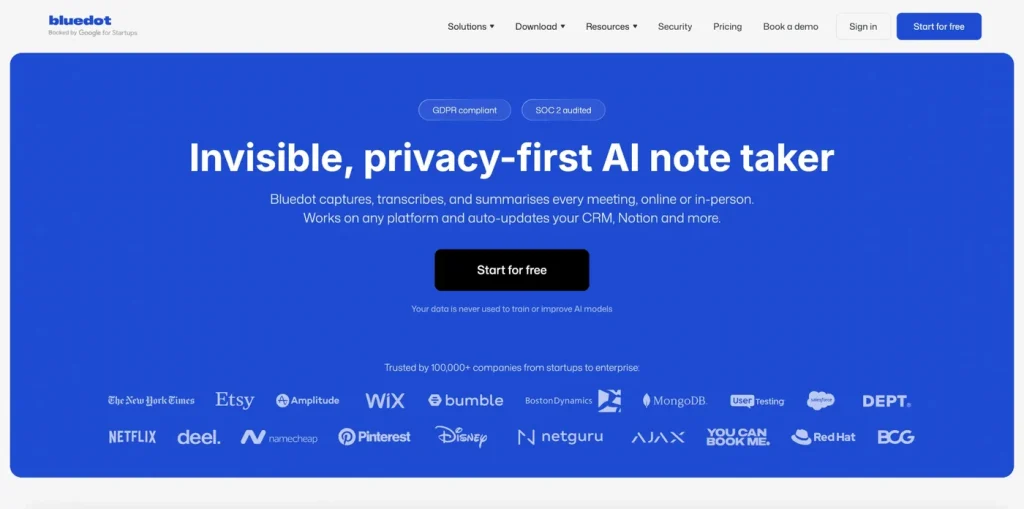
Bluedot records online and in-person meetings from your own devices, so nothing joins the call and nothing appears in the participant list. The Chrome extension records Google Meet and Microsoft Teams in the browser tab, and the macOS and Windows apps cover Zoom and detect meetings automatically. The iOS, Android and Apple Watch apps handle in-person conversations and record offline, and an optional named Meeting Bot is there for teams that want auto-join.
You choose what to keep: video with audio, audio only or a transcript alone. Video is 720p or 1080p with the shared screen included. The recording stays replayable, with notes you can click to jump to the moment they came from, clips you can share through a public link and MP4 or WebM downloads. Speaker names come from the calendar and participant data in online meetings, and in-person recordings label speakers as Speaker 1 and Speaker 2. Transcripts cover 100+ languages, and summaries use 50 templates or your own.
On privacy, Bluedot never uses customer data to train AI models, so there is no opt-out to manage. It is SOC 2 Type II audited and GDPR-compliant, and data is stored mainly on AWS in Frankfurt, with custom retention and a choice of region. It can post a recording notice in the meeting chat, and admins can require it across a workspace. Bluedot holds 4.8 on G2 across 226 reviews.
The catch: video needs the Pro plan ($20). Basic ($14) is audio only, and the free plan covers 5 recorded meetings of up to an hour each. Phone calls only work from your computer on speakerphone, and Bluedot is a recorder and notes layer without the deal tracking or coaching dashboards of a sales platform.
Best for: teams that want a replayable video recording of customer calls, interviews and internal meetings without a bot in the room.
Look elsewhere if: you need unlimited free recording, or you only record Zoom meetings on a paid Zoom plan and have no need for notes.
Pricing: Free (5 recorded meetings); Basic $14 per user per month billed annually ($18 monthly); Pro $20 ($25); Business $32 ($39); Enterprise on request.
2. Fathom: best free plan for recording meetings

Fathom records video, transcribes and writes a summary, and its free plan includes unlimited recording, transcription and storage. Paid plans add team features, and on the Business plan a deal view that maps summary sections into Salesforce fields. It holds 5.0 on G2 across 7,064 reviews.
The catch: a bot joins calls by default, with bot-free modes on Mac. The deal view and the team-level Salesforce connection sit on the Business plan, and Fathom may train on de-identified meeting content under its policy dated August 16, 2026, with an opt-out. Its acquisition by Superhuman was announced on September 14, 2026.
Best for: individuals and small teams that want unlimited video recording at no cost.
Look elsewhere if: you want no bot by default, or you need to record phone calls and in-person meetings.
Pricing: Free; Premium $16 per user per month billed annually ($20 monthly); Team $15 ($19, two-user minimum); Business $25 ($34, two-user minimum).
3. tl;dv: best for turning a recording into shareable clips
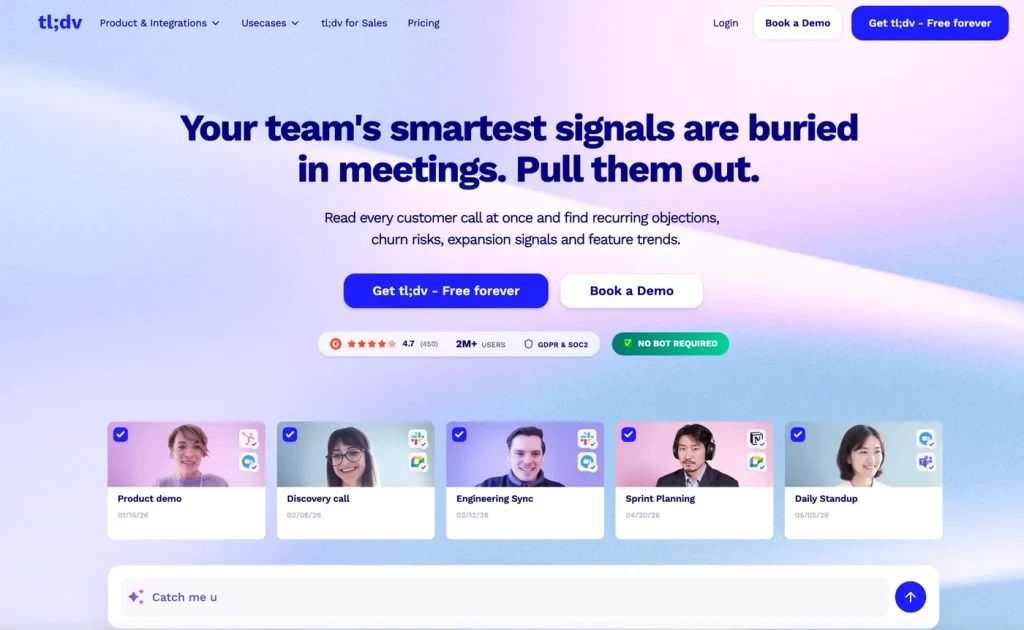
tl;dv treats a meeting as video. You can cut a moment into a clip, combine clips into a Reel and send it to someone who wasn’t there. Its free plan includes unlimited video recording and transcription, it supports 30+ languages with automatic detection, and its mobile apps cover in-person recording. It holds 4.7 on G2 across 530 reviews.
The catch: free recordings are deleted after about three months, and AI notes stop at 10 meetings. A bot joins calls by default, and the desktop app that avoids the bot captures audio only. Reviewers describe the mobile apps as occasionally unstable, and some report HubSpot and Slack sync problems.
Best for: teams that share short video clips of calls with people who missed them.
Look elsewhere if: you need recordings kept longer than three months on the free plan, or video without a bot.
Pricing: Free; Pro $18 per user per month billed annually; Business $29.
4. Fireflies: best for a searchable archive with wide integrations
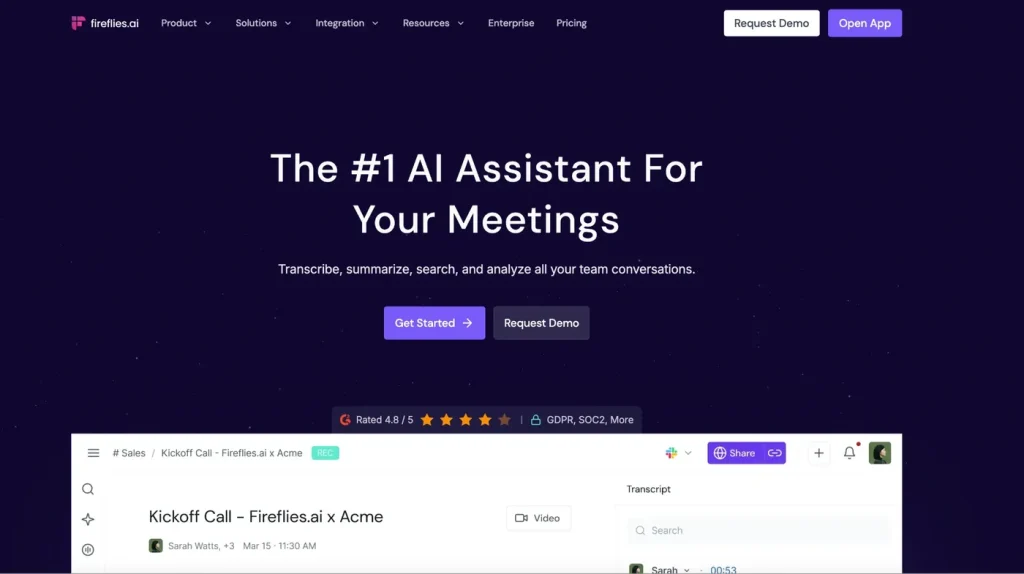
Fireflies records through a bot that joins calendar events, and a Chrome extension and desktop app can capture audio without one. It keeps every meeting in a searchable archive, transcribes in 100+ languages and connects to HubSpot, Salesforce and Zapier on Pro and up. It holds 4.7 on G2 across 753 reviews.
Recording limits depend on the plan. The free plan has 400 minutes of storage shared across the team and a 2-hour recording limit, and video recording and downloads start at Pro. Unlimited storage starts at Business.
The catch: AI features use credits, and Fireflies is the defendant in Cruz v. Fireflies.AI Corp., a proposed class action filed in Illinois in December 2025 under the state’s Biometric Information Privacy Act over its speaker recognition. The allegations are unproven.
Best for: teams that want one searchable archive of meetings and a long integration list at a low seat price.
Look elsewhere if: a visible bot is a problem in your meetings, or you record people in Illinois.
Pricing: Free; Pro $10 per user per month billed annually; Business $19; Enterprise $39.
5. Grain: best for clips, playlists and coaching on sales calls
Grain turns a call into video you can work with. Any moment becomes a clip with its transcript and speaker label, clips collect into playlists, and higher tiers add AI scorecards graded against your own rubric. It lists SOC 2 Type II and holds 4.7 on G2 across 314 reviews. Its desktop recorder captures system audio without a bot on Mac and Windows, and also covers Slack huddles and in-person conversations.
The catch: the bot joins Zoom, Google Meet, Microsoft Teams and Webex calls by default, and there is no mobile app. The free plan covers 20 meetings with a 45-minute limit each. Coaching and the HubSpot and Salesforce sync sit on the Business plan.
Best for: sales and customer success teams that want clips, playlists and scorecards in one place.
Look elsewhere if: you want no bot by default, or you record from a phone.
Pricing: Free; Starter $15 per user per month billed annually ($19 monthly); Business $29 ($39); Enterprise on request.
6. Avoma: best for recording plus coaching and deal tracking
Avoma records video automatically, transcribes in 70+ languages and keeps viewers free, so colleagues who only watch recordings do not need a paid seat. Conversation Intelligence adds coaching insights, talk ratios and keyword trackers, and Revenue Intelligence adds deal risks and pipeline health.
The catch: the $19 Startup plan covers recording and notes, and each add-on is $29 per seat. The recorder is a bot, and reviews describe it joining late or failing to join. There is no permanent free plan, only a 14-day trial.
Best for: B2B sales teams of 10 to 100 reps that want recording, coaching and deal tracking in one product.
Look elsewhere if: you want a flat per-seat price, no bot or a free plan.
Pricing: Startup $19 per seat per month billed annually ($29 monthly), up to 25 paid seats; Organization $29 ($39), up to 100 seats; Enterprise $39 (annual only); Conversation Intelligence and Revenue Intelligence add-ons $29 each.
7. Otter: best for a live transcript during the meeting

Otter shows a scrolling transcript while people talk, so you can check what was said a few minutes ago, and it answers questions about a recording with AI Chat. It holds 4.4 on G2 across 462 reviews.
The catch: the free plan gives 300 minutes a month but ends each conversation at 30 minutes and allows only 3 file imports for the life of the account. Pro lifts the cap to 90 minutes, which still ends a two-hour workshop early. Otter is also named in a consolidated federal class action, In re Otter.AI Privacy Litigation, over its data-use policies and auto-join behavior, still pending as of mid-2026.
Best for: people who want to follow a live transcript during short meetings.
Look elsewhere if: your meetings run past 30 minutes and you want to stay on the free plan, or the pending lawsuit matters to you.
Pricing: Free (300 minutes a month, 30 minutes per conversation); Pro $16.99 per user per month ($8.33 billed annually); Business $30 ($19.99 billed annually).
Video, audio or transcript: what should you record?
You choose how much of a meeting to keep.
Video with audio keeps the shared screen, the slides and the faces, and it lets someone who missed the meeting watch the part that mattered. It takes more storage and more care about who can see it. Bluedot, Fathom, tl;dv, Grain and Avoma record video, and Bluedot and Fireflies put it behind a paid plan.
Audio only is lighter and enough for interviews and one-to-one calls. Bluedot’s Basic plan records audio only.
A transcript without a recording answers what was said, but not how it was said or what was on screen. Bluedot offers it as a recording mode for meetings where keeping the audio would be a problem.
If a meeting involves sensitive information, the cautious default is the smallest record that does the job.
Recording phone calls and in-person meetings
Platform recorders and most bot-based tools stop at the edge of a video call. For other situations:
- In-person meetings: Bluedot’s iOS, Android and Apple Watch apps record in person and offline, tl;dv’s mobile apps cover it, and Grain’s desktop app can capture an in-person conversation from a laptop. A dedicated recorder such as Plaud is the more dependable choice for all-day, discreet recording, at $159 or more for the device.
- Phone calls: Bluedot records phone calls from your computer on speakerphone. For calls placed through a business phone system, the phone system’s own recording is usually the reliable route.
Where recordings are stored and how long they last
The same meeting can be kept very differently depending on the tool. Teams saves recordings to the organizer’s OneDrive or SharePoint, and Meet saves them to the organizer’s Drive. Zoom’s cloud storage is 10 GB per license on Pro and Business. tl;dv deletes free recordings after about three months, and Fireflies’ free plan stores 400 minutes shared across the team. Bluedot offers custom retention and a choice of storage region.
Before you pick a tool, ask four questions: who can open the recording, who can share it outside the company, how long it is kept, and whether you can delete it on request.
What does it cost for a team of 10?
The plans below are not like for like, so read them with the notes. Each is the cheapest plan that includes video recording, except Otter, where the table shows Pro because the free plan ends conversations at 30 minutes.
| Tool | Plan used | Monthly cost for 10 users |
|---|---|---|
| Bluedot | Pro (video) | $200 billed annually |
| Fathom | Free | $0 |
| tl;dv | Pro | $180 billed annually |
| Fireflies | Pro | $100 billed annually |
| Grain | Starter | $150 billed annually |
| Avoma | Startup | $190 billed annually |
| Zoom | Pro (10 GB cloud per license) | $141.60 billed annually |
| Google Meet | Workspace Business Standard | $140 |
| Otter | Pro (90-minute cap per conversation) | $83.30 billed annually |
Zoom and Google Meet include far more than recording, so their rows show only what a team pays to get recording at all.
Recording meetings legally and respectfully
A recorder nobody can see does not change the consent rules. In a July 2026 survey of 500 employed US adults commissioned by the law firm Kolmogorov Law, 18.8% of workers said they had found out after the fact that a meeting or call had been recorded or transcribed without their knowledge. The survey’s margin of error is about 4.4 points for the full sample, and the law firm commissioned it, so treat it as a rough indication.
On the law, a 2024 summary by Kilpatrick Townsend lists 13 states, including California, Florida, Illinois, Pennsylvania and Washington, that require every participant’s consent to record a conversation, while federal law and 37 states plus DC need only one party’s. When a call crosses state lines, the stricter rule generally applies.
The platforms help with the notice. Teams tells everyone in the meeting when recording starts, and Meet notifies participants when recording begins or ends. For a bot-free tool the notice is up to you, so pick one that can post it automatically. Bluedot can post a recording notice in the meeting chat, and admins can enforce it for the whole workspace. Whatever you use, say at the start of the call that you are recording. This is general information, not legal advice.
Which tool should you choose?
- For video recordings you can replay and share, without a bot in the call, Bluedot.
- If you want unlimited recording on a free plan, Fathom.
- If you want to cut meetings into video clips, tl;dv or Grain.
- If you want a searchable archive with the longest integration list, Fireflies.
- If you want recording, coaching and deal tracking for a sales team, Avoma or Grain.
- If you want a live transcript during short meetings, Otter.
- If you only record meetings on one paid platform, its built-in recorder.
FAQ
What is the best meeting recording software?
It depends on what you record and who watches. Bluedot is a strong pick for replayable video recordings without a bot, Fathom has the best free plan, tl;dv and Grain are built around clips, and Fireflies suits teams that want a searchable archive.
Can I record a meeting for free?
Yes. Fathom’s free plan includes unlimited recording, transcription and storage, tl;dv’s free plan includes unlimited video recording, and Zoom’s free plan records locally on desktop. Google Meet’s free plan does not record. Bluedot’s free plan covers 5 recorded meetings.
Can I record a Zoom meeting without being the host?
Only if the host allows it, and then only locally. Zoom participants can record to their own computer when the host gives permission, and cloud recording needs a paid license held by the host. A tool that records from your own device, such as Bluedot, still needs you to tell everyone you are recording.
Can I record a Google Meet meeting?
On a Business Standard, Business Plus, Enterprise or Education Plus Workspace plan, or a Workspace Individual or Google One 2 TB plan, from a computer or Android device. The recording is saved to the organizer’s Drive. Meet’s free plan does not record, and breakout rooms can’t be recorded.
Can I record a Microsoft Teams meeting?
Yes, if an IT admin has given a recording license to both the organizer and the recorder. Guests can’t record meetings, and the recording is saved to OneDrive or SharePoint.
Is it legal to record a meeting?
It depends on where the participants are. Thirteen states require every participant’s consent, according to a 2024 Kilpatrick Townsend summary, while federal law and 37 states plus DC require one party’s. Telling everyone at the start of the call is the safe habit.
Do I need a bot to record a meeting?
No. Bluedot records from your device without a bot by default, and Fathom, Fireflies and Grain have bot-free modes. The trade-off is that a recorder nobody can see puts the job of announcing it on you.
Can I record video as well as audio?
Yes. Bluedot (Pro and up), Fathom, tl;dv, Fireflies (Pro and up), Grain and Avoma record video.
For a wider look at the category, see our best AI note-takers, and our Bluedot review, Fathom review and Fireflies review. For recording sales calls specifically, see our guide to the best AI sales call recording software.