8 Best AI Tools for Students in 2026 (By Use Case)
Student life is mostly time pressure. Lectures to keep up with, readings to get through, group projects to coordinate, essays to write, exams to prepare for. AI can take over a surprising amount of the grunt work, like turning a messy lecture into notes, quizzing you on flashcards or formatting a bibliography. It can’t do the learning for you, and used badly it can get you in trouble with your university.
I grouped the tools below by what they help with, so you can pick the one or two that fix your biggest problem instead of juggling eight apps. For each, I list who it is best for, when to look elsewhere, and what it costs, since money is usually tight.
TL;DR: the short list
- Lecture and meeting notes: Bluedot, for bot-free notes from lectures, group calls and interviews
- Cheap lecture transcripts: Otter, for live transcription with a student discount
- Organization: Notion, for notes, tasks and deadlines in one place, free for students
- Studying: Quizlet, for flashcards and practice
- Research: Perplexity, for sourced answers when you’re starting a topic
- Citations: Zotero, for collecting sources and building bibliographies
- Writing: Grammarly, for catching errors and tightening your prose
- General assistant: ChatGPT, for explanations, brainstorming and study help
How I picked
- ✓ Does it save real time on something students do every week?
- ✓ Is there a free plan or a student price that works on a student budget?
- ✓ Can you start using it in a few minutes, without a tutorial?
- ✓ Does it help you learn rather than just produce output?
- ✓ Does it respect privacy and the rules universities set?
- ✓ Does it work on a phone and a laptop?
Summary table
| Tool | Best for | Category |
|---|---|---|
| Bluedot | Bot-free notes from lectures, group calls and interviews | Notes |
| Otter | Live lecture transcripts on a budget | Notes |
| Notion | Notes, tasks and deadlines in one place | Organization |
| Quizlet | Flashcards and practice | Studying |
| Perplexity | Sourced answers to start research | Research |
| Zotero | Collecting sources and citations | Citations |
| Grammarly | Spelling, grammar and clarity | Writing |
| ChatGPT | Explanations, brainstorming and study help | General assistant |
Lecture and meeting notes
1. Bluedot — best for notes from lectures, group calls and interviews
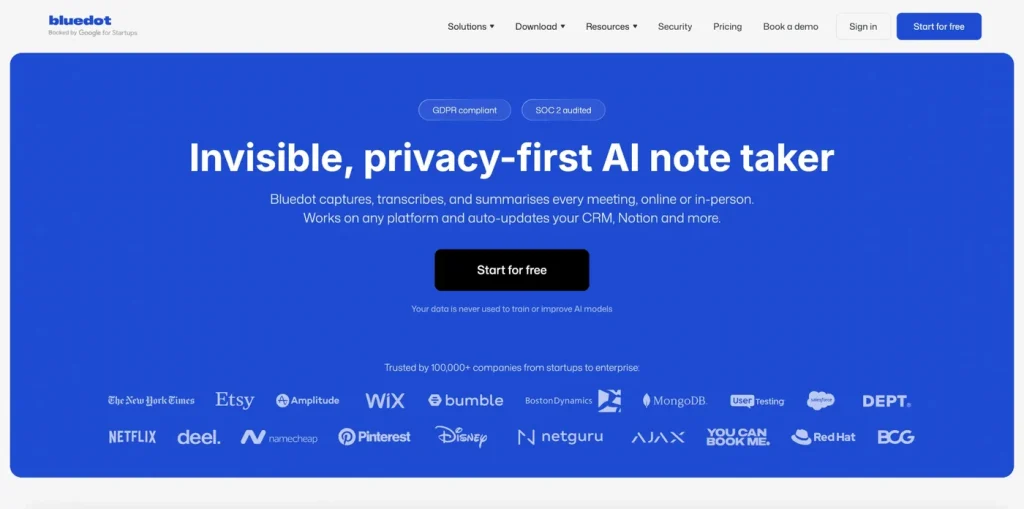
The problem with lectures isn’t that you can’t hear them. It’s that you can’t listen and write at the same time. Bluedot records the audio, transcribes it, and turns it into a summary and a list of key points, so you can focus on understanding the material and read the notes afterwards. It works on Zoom, Google Meet and Microsoft Teams, and it also records in-person sessions through its mobile apps and phone calls from your computer on speakerphone. It does this without a bot joining the call, which matters for group projects and study sessions where nobody wants an extra participant.
It transcribes in 100+ languages, which helps international students who attend lectures in a second language or study with a group that switches languages. You can ask the AI questions about a recording, like “what did the professor say about the exam format?”, and use custom templates to turn a lecture into study notes instead of a generic summary.
The catch: the free plan covers only 5 meetings in total, which won’t last a semester. The entry paid plan is audio only with a 1-hour limit per recording, so a 90-minute lecture needs the Pro plan. If lecture transcription is all you need, a cheaper tool may fit better. And never record a lecture without permission. Many professors and universities have rules about it.
Best for: students who want accurate notes from lectures, group calls, office hours and research interviews.
Look elsewhere if: you only need cheap transcripts of long lectures and are comfortable with a bot or a tool with a student discount.
Pricing: Free (5 meetings, lifetime); Basic from $14 per user per month billed annually ($18 monthly); Pro $20 ($25); Business $32 ($39).
Test it on one real class or study session. Bluedot’s free plan covers your first five meetings, no credit card needed.
2. Otter — best for live lecture transcripts on a budget

Otter shows the transcript as the lecture happens, which is useful when you zone out for a minute and want to catch up. It has a mobile app that works well for in-person classes, and Otter offers students and teachers with a .edu email 20% off Pro, which brings the annual price to about $6.67 per month.
The catch: the free plan allows 300 minutes a month and caps a conversation at 30 minutes, so most lectures won’t fit without paying. Pro raises that to 90 minutes per meeting. Transcription covers six listed languages. Otter is also the named defendant in a federal privacy lawsuit alleging it did not obtain consent from meeting participants. The allegations are unproven and the case is unresolved, but it is a reason to get permission before recording anyone.
Best for: students who want live transcripts and a mobile app at the lowest price.
Look elsewhere if: you attend lectures in a language Otter doesn’t list, or you don’t want a bot joining online calls.
Pricing: Free (300 minutes per month, 30 minutes per conversation); Pro $8.33 per month billed annually ($16.99 monthly list), with 20% off for students and teachers; Business $19.99.
Organization
3. Notion — best for notes, tasks and deadlines in one place
Most students lose points not because they didn’t know the material, but because they missed a deadline or lost a note. Notion lets you keep class notes, a task list, a reading tracker and a calendar in one workspace, with templates for course planners and assignment trackers. Its AI features can summarize a page or help draft an outline.
The catch: it is a blank canvas, and the first week can be spent building a beautiful system instead of using it. Start with one template. The free plan has limits like a 5 MB file upload cap, but students and educators can get the Plus plan free by signing up with a school email address, with a limit of one member.
Best for: students who want one place for notes, tasks and deadlines.
Look elsewhere if: you only need a simple to-do list. A basic notes app will do.
Pricing: Free; Plus free for students and educators with a school email (1 member); otherwise Plus $10 per member per month, Business $20.
Studying
4. Quizlet — best for flashcards and practice
Flashcards work because they force you to recall the answer rather than reread it. Quizlet makes it quick to build a set, or to find one someone else made for your course, and study it on your phone between classes. It supports study modes beyond simple flipping, and paid plans remove ads and add features such as images in study sets and recording your own audio.
The catch: shared sets are sometimes wrong, so check anything you didn’t write yourself against your course materials. Making your own cards from your own notes is where most of the learning happens.
Best for: memorizing terms, definitions, formulas and vocabulary.
Look elsewhere if: your exams test problem-solving rather than recall. Practice problems matter more there.
Pricing: Free plan available; Quizlet Plus $19.99 per year.
Research
5. Perplexity — best for sourced answers when you’re starting a topic
The hardest part of a paper is often figuring out what’s out there. Perplexity answers a question in plain language and shows the sources it used, so you can click through and read the originals. That makes it a good starting point for a topic you know nothing about, or for checking where a claim comes from.
The catch: an AI summary is not a source. Read the original article before you cite it, because summaries can misstate what a paper says. The free plan limits the number of advanced searches per day, and your professor will care about the quality of your sources, not the speed of your search.
Best for: getting oriented on a topic and finding sources to read.
Look elsewhere if: your course requires you to use specific databases or library resources.
Pricing: Free plan available; Pro $20 per month ($200 per year); a discounted Education plan is available for verified students.
6. Zotero — best for collecting sources and building bibliographies
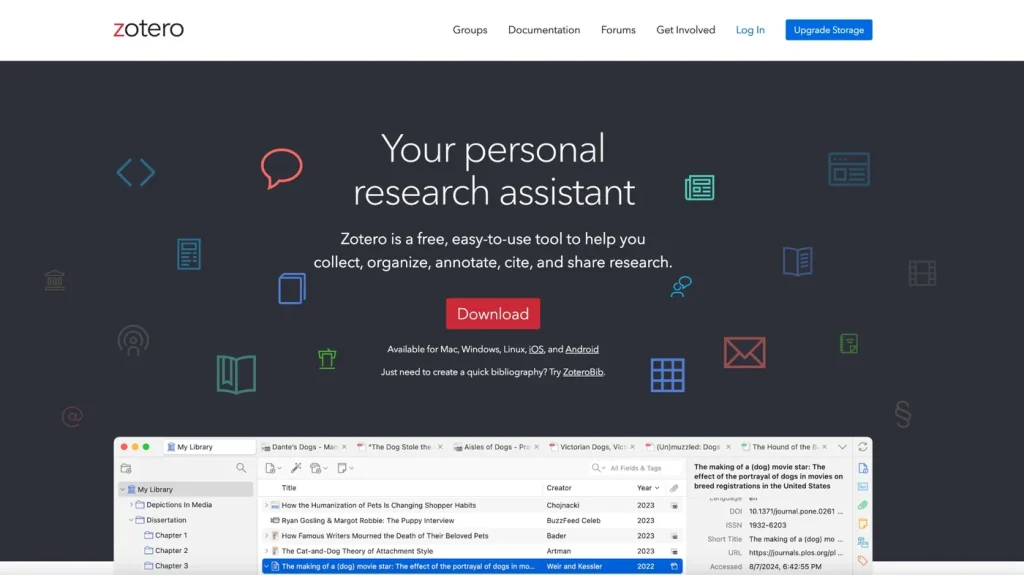
Formatting citations by hand is the kind of work no one should do in 2026. Zotero saves sources from your browser with one click, keeps your PDFs organized, and builds a bibliography in the style your professor wants, from APA to MLA to Chicago. It integrates with word processors, so citing while you write takes a few clicks.
The catch: it takes an hour to learn, and an hour feels long the night before a deadline. Set it up before you need it. The free plan includes 300 MB of storage, which is enough for references but not for a large PDF library.
Best for: anyone writing papers with more than a handful of sources.
Look elsewhere if: you only write short assignments that need a few citations. A citation generator will do.
Pricing: Free (300 MB storage); 2 GB $20 per year; 6 GB $60; unlimited $120.
Writing
7. Grammarly — best for catching errors and tightening your prose
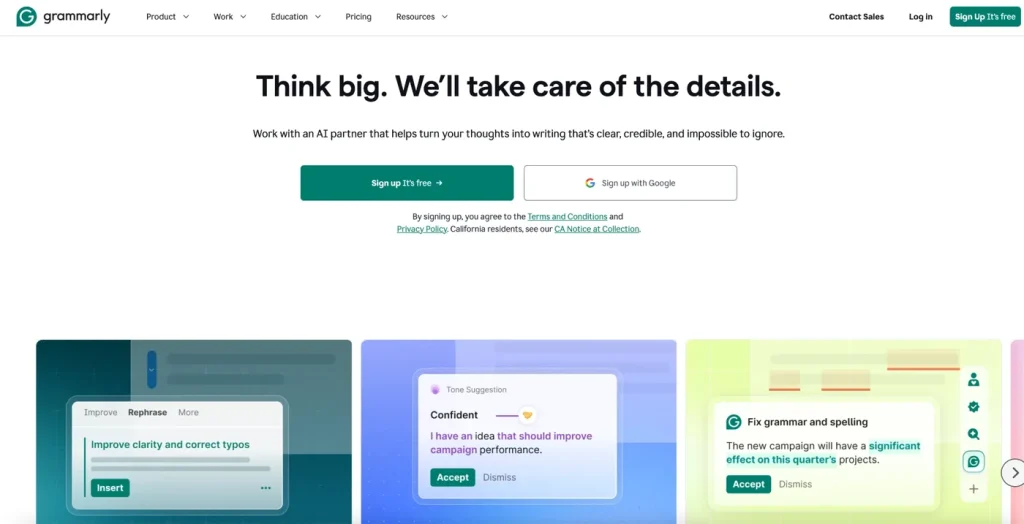
Grammarly checks spelling, grammar and clarity as you type, in your browser, your word processor and your email. It’s useful for the last pass on an essay, and it is especially helpful if you are writing in a second language. Paid plans add full-sentence rewrites, tone adjustments, plagiarism detection and citation consistency checks.
The catch: it can flatten your voice. If you accept every suggestion, your writing starts to sound like everyone else’s. And be careful with AI-rewrite features on graded work, because many courses have rules about them. Read your syllabus first.
Best for: proofreading essays and emails, especially in a second language.
Look elsewhere if: your university already provides a writing center or editing tool you can use.
Pricing: Free (basic checks and 100 AI prompts per month); Pro $12 per month.
General assistant
8. ChatGPT — best for explanations, brainstorming and study help
A good use of an AI assistant for studying is asking it to explain something three different ways until one clicks. It can help you brainstorm paper topics, build a study schedule, quiz you on a chapter you paste in, or explain why a math step works. Think of it as a tutor that is always awake, not as an essay writer.
The catch: it can be confidently wrong, especially on facts, citations and calculations. It will invent sources that look real. Check anything you plan to use against your course materials, and never submit text it wrote as your own unless your instructor explicitly allows it.
Best for: explanations, brainstorming, study plans and practice questions.
Look elsewhere if: you need facts you can cite. Use a library database or a sourced search tool.
Pricing: Free plan available; paid plans add higher limits and more advanced models.
How to choose
- If you can’t keep up in lectures: start with Bluedot or Otter.
- If you miss deadlines: start with Notion.
- If you struggle to memorize: use Quizlet.
- If you don’t know where to start a paper: try Perplexity.
- If citations eat your evenings: set up Zotero.
- If your writing needs a final pass: use Grammarly.
- If you get stuck on a concept: ask ChatGPT.
Start with one tool that fixes your biggest problem, use it for two weeks, then decide whether to add another.
Use AI without getting in trouble
Universities are still working out their rules on AI, and the rules differ by course.
Read the syllabus. Many courses ban AI for graded work, some allow it with disclosure, and some encourage it. Ask your instructor if it isn’t clear.
Don’t submit AI text as your own. Using AI to explain, outline or check your work is different from having it write your assignment. The second can be treated as academic misconduct.
Check everything. AI tools invent facts and citations. Verify any claim you use against a real source.
Get permission before recording. Many professors and institutions restrict recording lectures, and recording laws differ by country and state.
Protect your data. Don’t paste personal information, student IDs or private documents into AI tools you don’t control.
Are AI tools actually worth it for students?
Yes, if you use them to learn faster, not to skip learning. The best uses are the ones that take away friction: a transcript you can search, flashcards you didn’t have to format, a bibliography that builds itself. The worst uses are the ones that replace the thinking your degree is supposed to build.
If you want somewhere to start, record your next study group or office hours session and let Bluedot turn it into notes and action items. The free plan covers your first five meetings.
FAQ
What are the best AI tools for students?
The best tools depend on the job: Bluedot or Otter for lecture notes, Notion for organization, Quizlet for studying, Perplexity for research, Zotero for citations, Grammarly for writing and ChatGPT for explanations.
Is it okay to use AI for homework?
It depends on your course. Many allow AI for explanations and brainstorming but ban it for graded writing, so check the syllabus and ask your instructor.
Can I record lectures with an AI notetaker?
Only with permission. Many professors and universities restrict recording, and some places require every participant to consent.
What is the best free AI tool for students?
Notion is free for students with a school email, Zotero is free with 300 MB of storage, and Grammarly, Quizlet, Perplexity and ChatGPT all have free plans. Free plans are limited, so test on real coursework before paying.
Are there student discounts on AI tools?
Yes. Otter takes 20% off Pro for students and teachers, Notion’s Plus plan is free for students, and Perplexity offers a discounted Education plan.
Can AI tools replace studying?
No. They can reduce friction, but you still have to read, practice and think. Use them to study more effectively, not to avoid it.
Which AI tool is best for taking notes in class?
Bluedot and Otter both transcribe and summarize lectures. Otter is cheaper for long lectures with its student discount, and Bluedot is a better fit if you want bot-free recording and 100+ languages.
Is it safe to use AI tools with personal information?
Be careful. Avoid pasting student IDs, private documents or personal details into tools you don’t control, and read each tool’s privacy terms.